










Trade Revisiones de Taborea: 17 de junio de 2024
Trading is a crucial aspect of Chronicles of Arcadia , allowing players to acquire valuable items, gear and resources.
Player-NPC Trading
Player-NPC trading involves exchanging items or currencies with non-player characters (NPCs) throughout the game world. Below is a table of notable NPCs and their trading options in Lost Island of Atlantis:
| NPC | Trade Description | Limitations | Place |
|---|---|---|---|
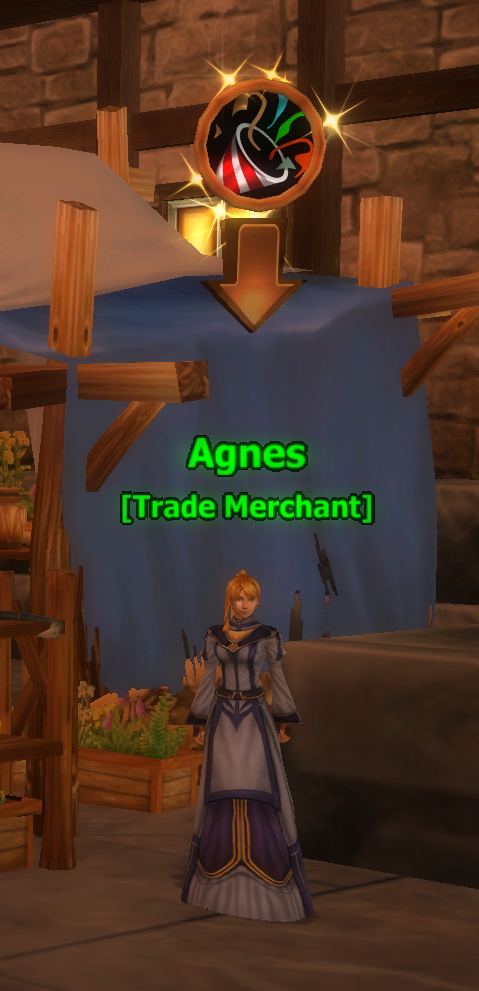
| Agnes | Diamonds to Gold | 3 exchanges per day | Atlas City |
| Cedric | Gold to Diamonds | 30 exchanges per day | Atlas City |
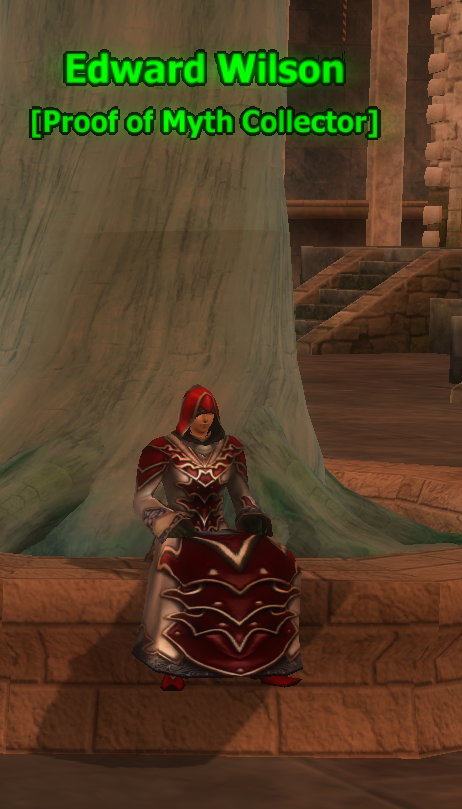
| [Edward Wilson] | Proof of Myths to Gear | Unlimited | Atlas City |
| Edwards Family | Arcadia Coins to Various Goods | Unlimited | Atlas City |
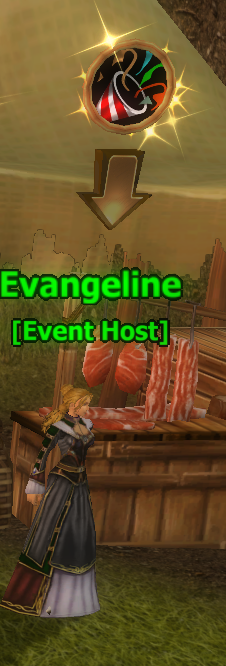
| [Evangeline] | Free Daily Gift | Daily | Itnal Camp |
| Eve | Ancient Mementos to Honor Points | Unlimited | Atlas City |
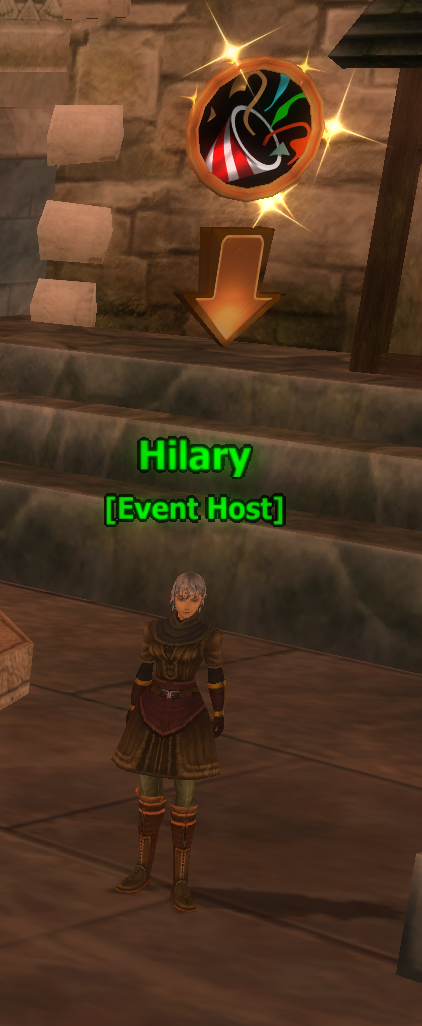
| [Hilary] | Ancient Mementos to Badges of Trial | Unlimited | Atlas City |
| [Jimmy Crane] | Arcadia Coins to Gear | Unlimited | Atlas City |
| [Leila Mandon] | Exchange Phirius Potions to a higher one | Unlimited | Itnal Camp |
| [Maica Pance] | Arcadia Coins to Ancient Mementos | 40,000 Arcadia Coins per day | Atlas City |
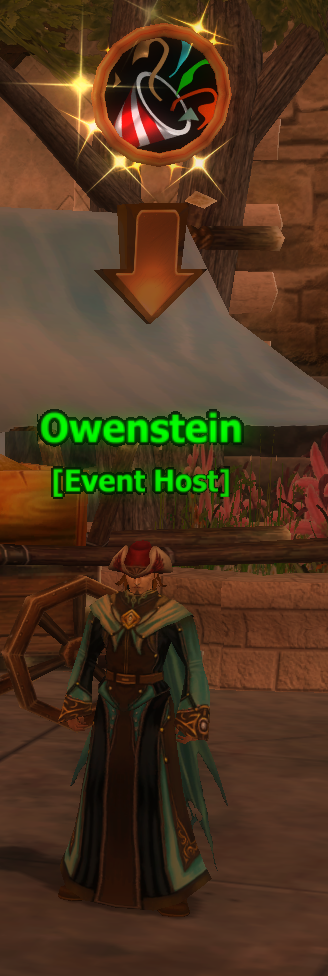
| [Owenstein] | Ancient Mementos to Diamonds | Unlimited, but only one character per month | Atlas City |
| [Roana] | Phirius Tokens to Purified Fusion Stones | 1 per day / 3 per day with Prestige | Atlas City |
| [Sophia] | Free Daily Gift | Daily | Itnal Camp |
To trade with these NPCs, simply go to them and interact with them to perform the exchange.
 |
 |
 |
 |
Player-to-Player Trading
 |
 |
 |
 |
Player-to-Player trading allows direct exchanges between players, facilitating the transfer of items, gold and other valuable resources. Here’s how to trade with another player:
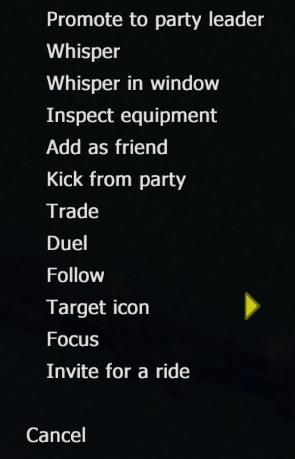
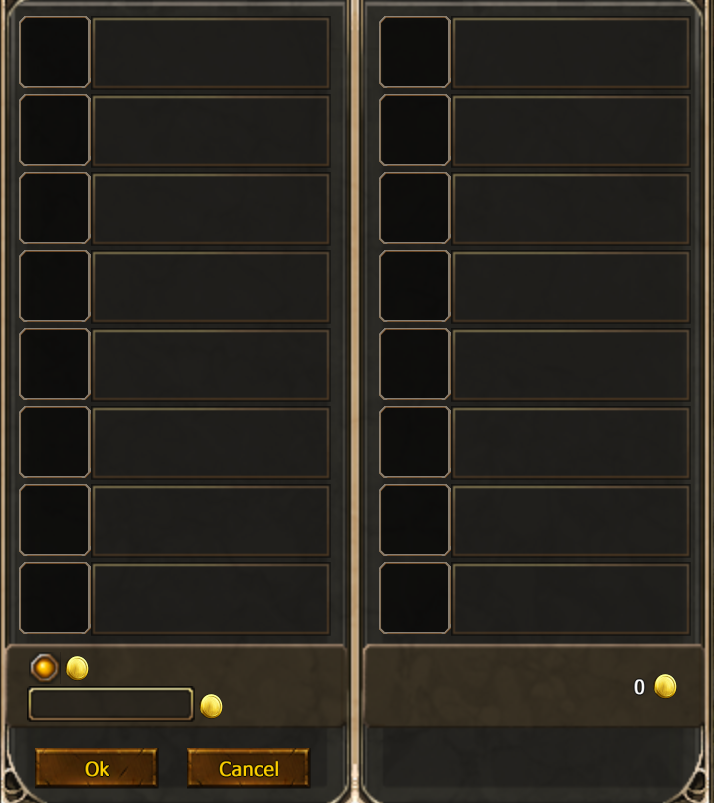
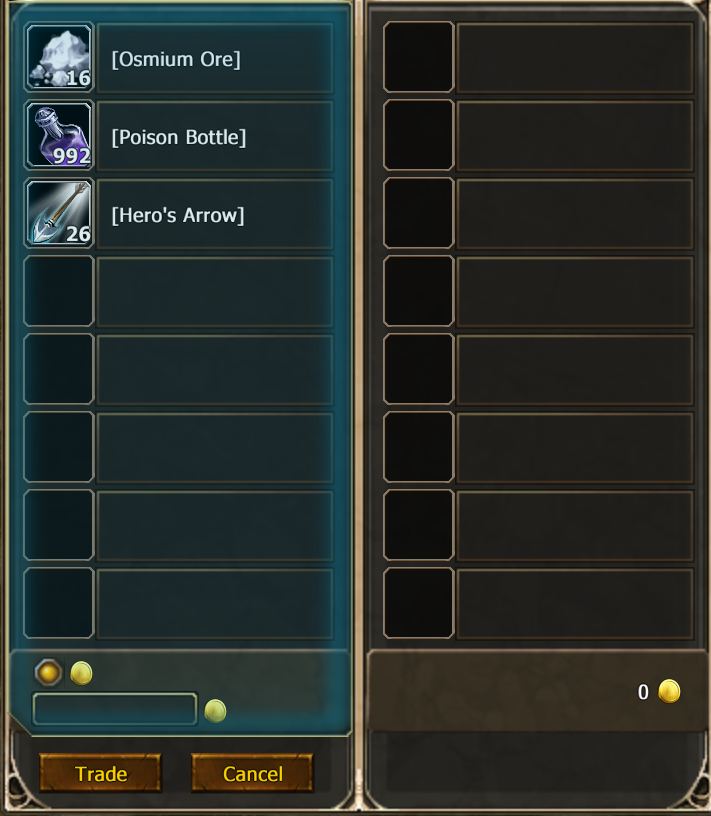
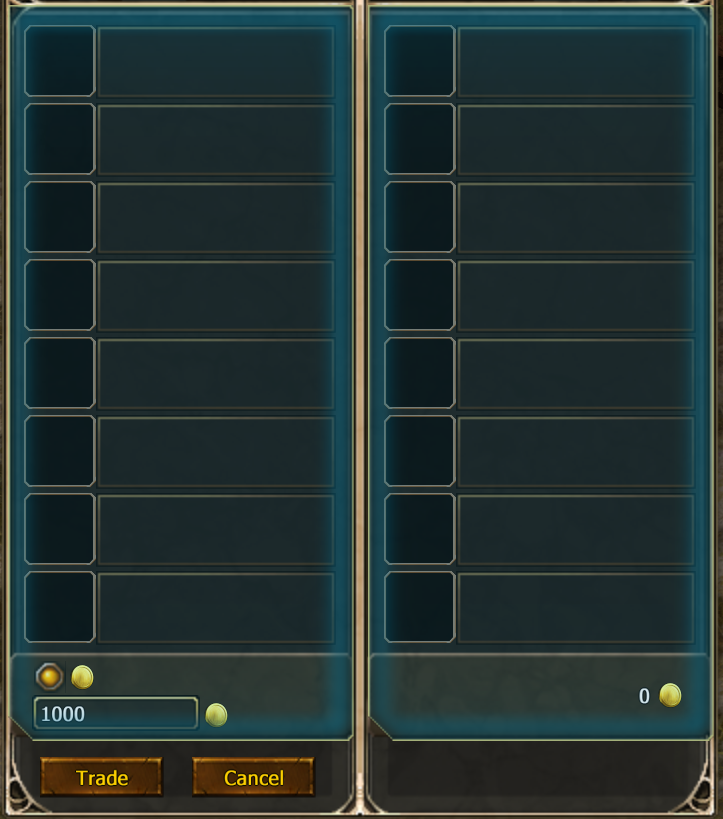
To initiate a trade, click on the player you wish to trade with, then right-click the target and select the "Trade" option from the context menu. A new trade window will pop up. In this window, you can place the items or specify the amount of gold you wish to trade. Another way is to invite the person to our group and then right-click on the name.
After placing your items or gold in the trade window, click the "Trade" button. Your side of the window will light up blue, indicating that you have confirmed your part of the trade. The other player must then click the "Trade" button on their side, turning their side of the window blue as well. Once both sides are blue, click the "Trade" button again to confirm and finalize the transaction.