











Benefits Store Taborea 修订版: 2023年7月9日
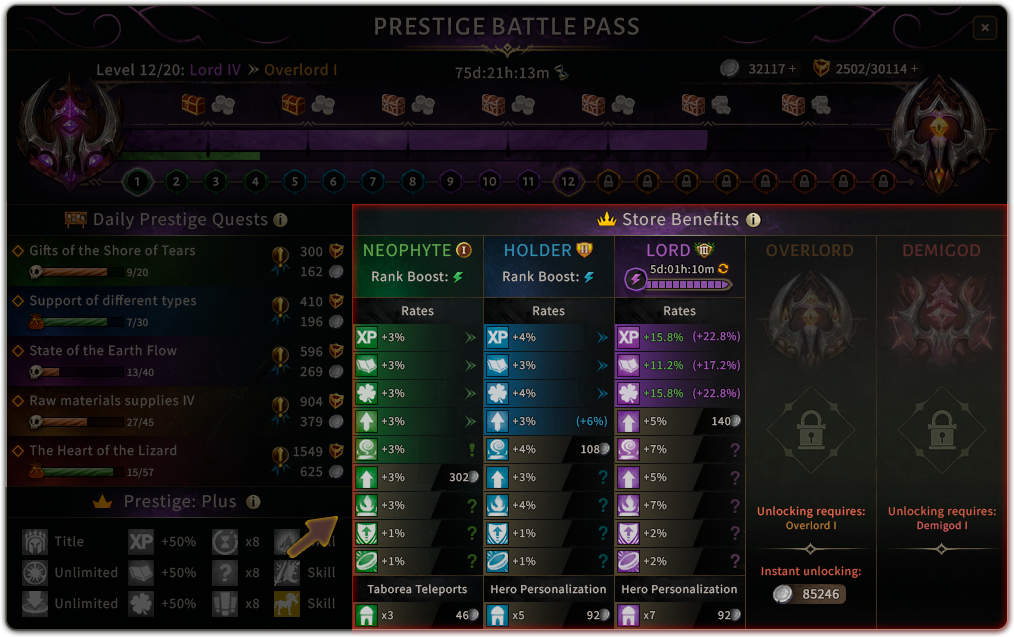 |
The Benefit Shop is the main part of the Prestige System. It will give you a variety of benefits to improve your Quality of Life around your game. The benefits are divided into 5 ranks, which you can access as you progress your Prestige Level. er it. You can also purchase Rank Boosts in the store, which will improve the benefits in the chosen Rank. You can only purchase one boost at a time, but if you already have a lower rank boost active, you can purchase a higher boost. |
Benefit categories
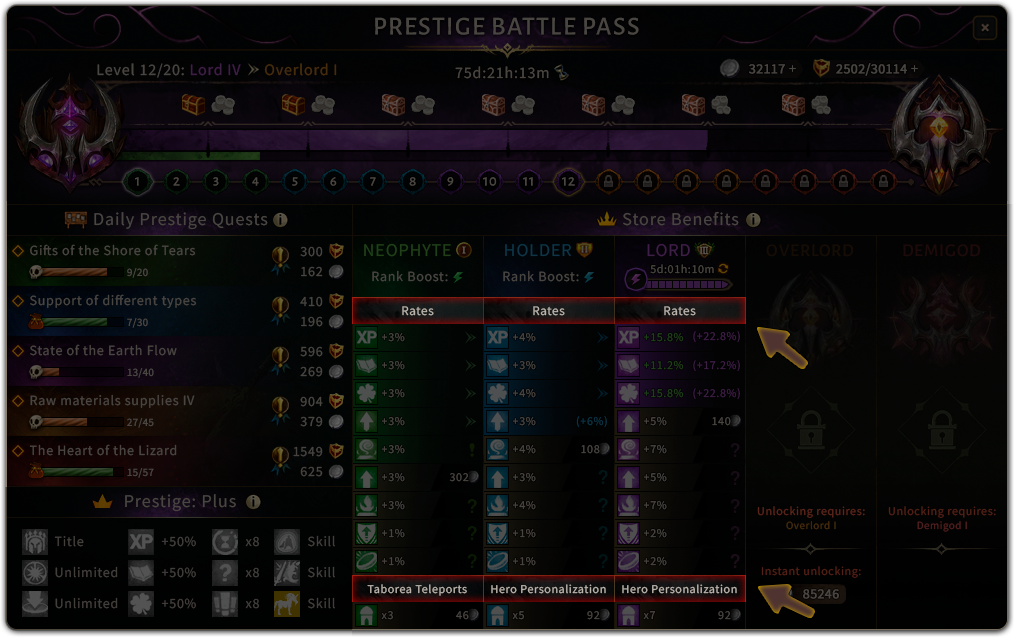
| Each rank is categorised to easily find the benefit you want to unlock. |
 |
List of benefits
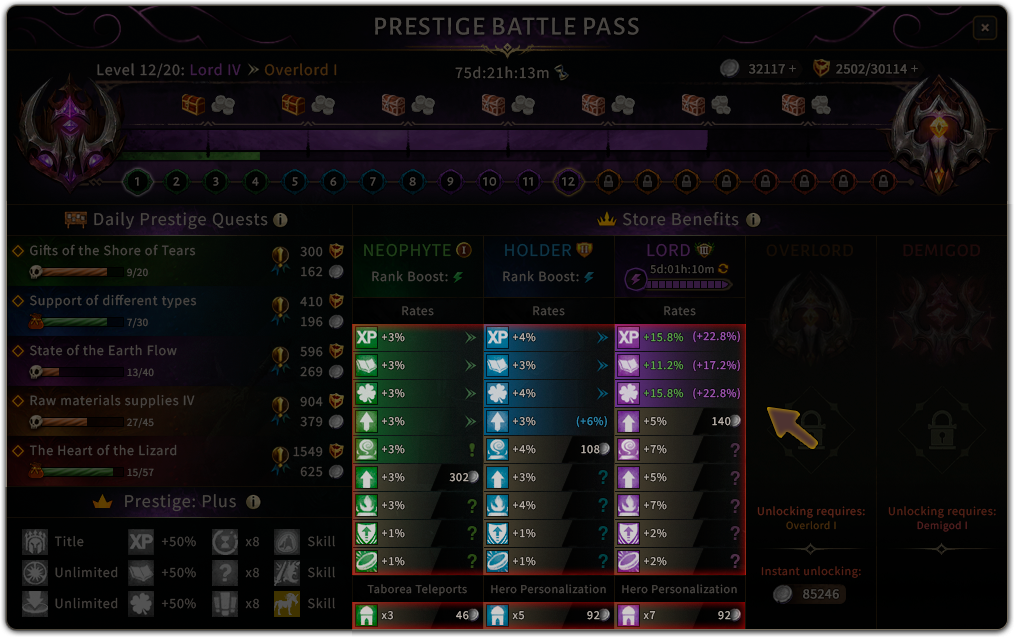 |
In total there are more than 60 benefits that can be unlocked. Make sure to take a look at all of them to find the best one that suits your needs. |
Power of Benefits
| Within the Categories of each rank, you can see the list of all Benefits and their % values. |
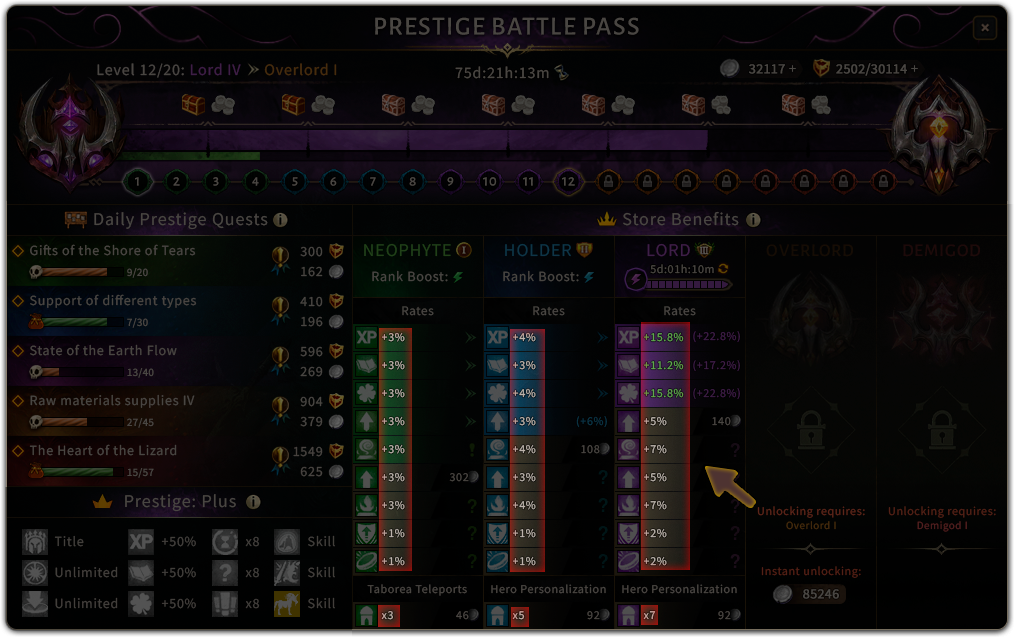 |
Buying benefits
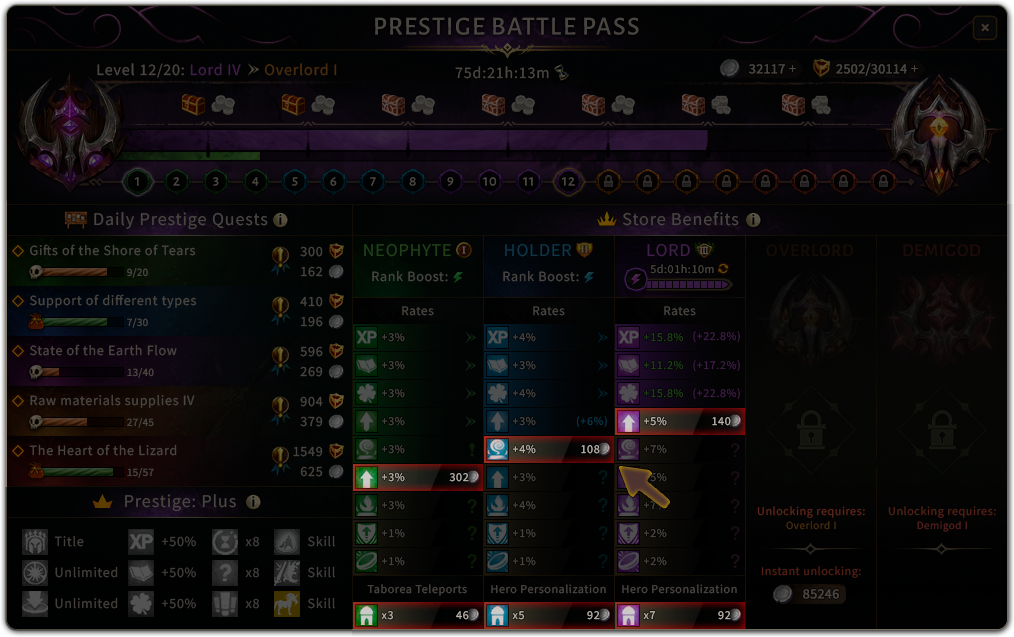 |
Before you buy a Benefit, you can see the costs and read the description by hovering over it. Once you decided to buy this one, click on the purchase button on the right of the Benefit you would like to unlock or upgrade. |
Benefits when Ranking up
 |
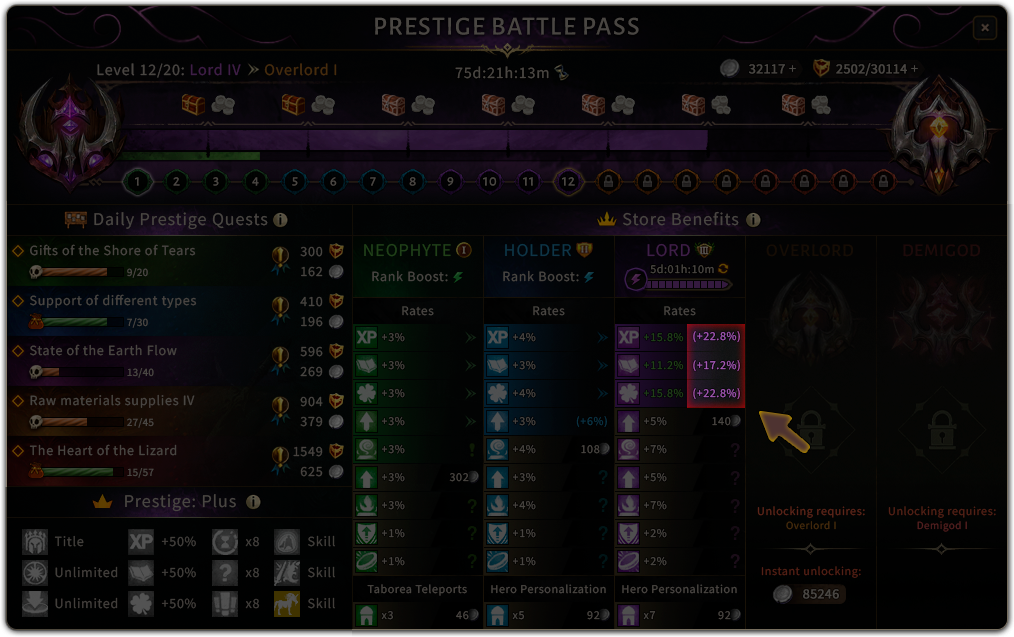 |
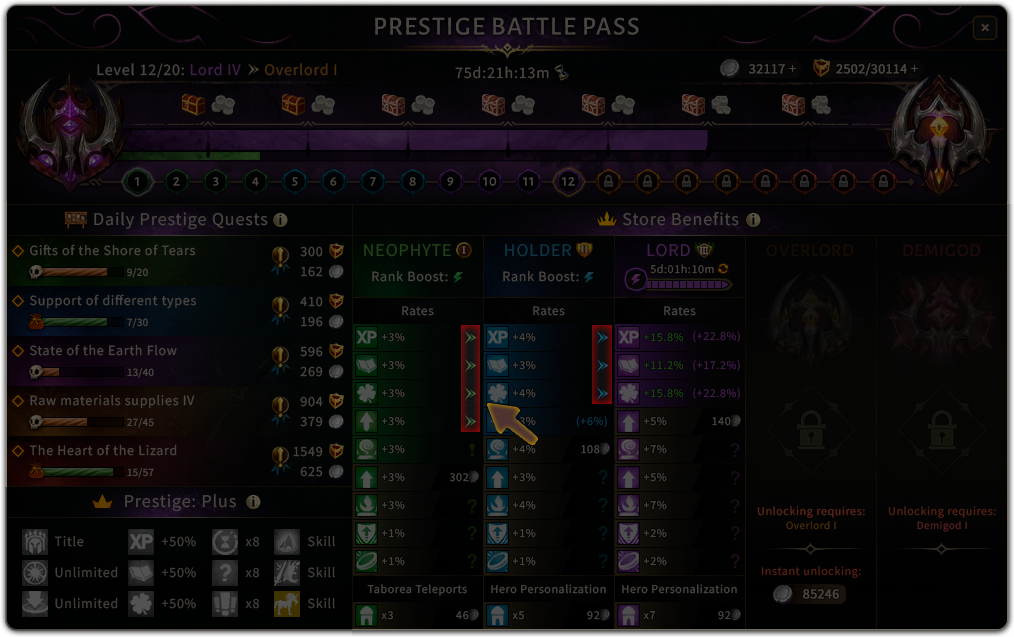
If your Rank is higher than Neophyte, all previously unlocked rates will be carried over to the higher ranks.
For example:
If you unlocked the Experience Killing Monsters I and you rank up and buy the Experience Killing Monsters II, you will have the benefits of both, which means +7% experience.
The total value can be seen on the right side of your current rank in each benefit.
Benefits Tooltip
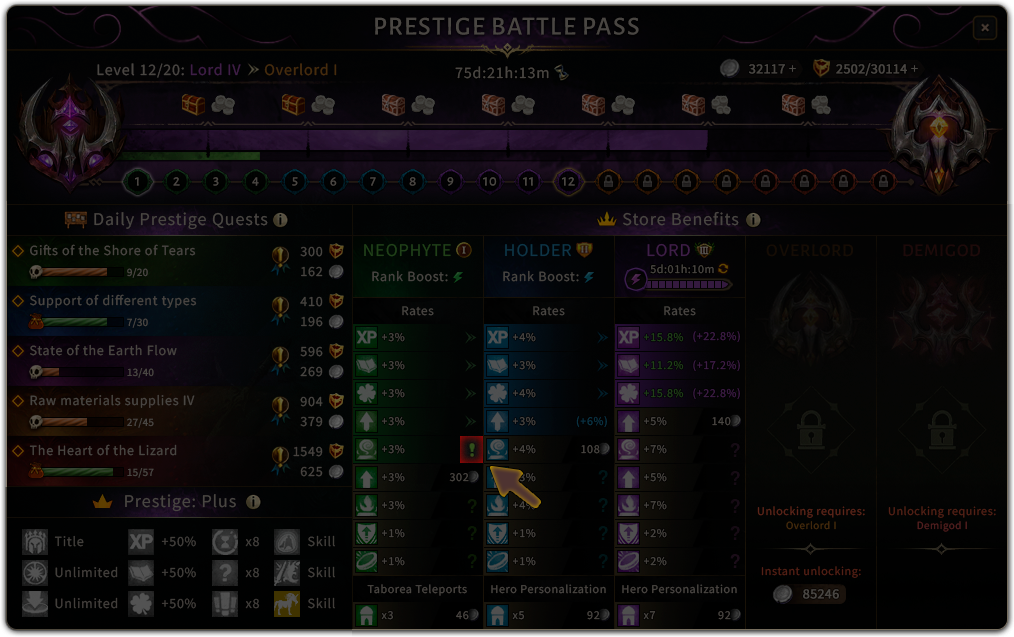 The exclamation mark gives you the hint, that the rates of the benefits will be carried over to the next rank. See: Benefits when Ranking up |
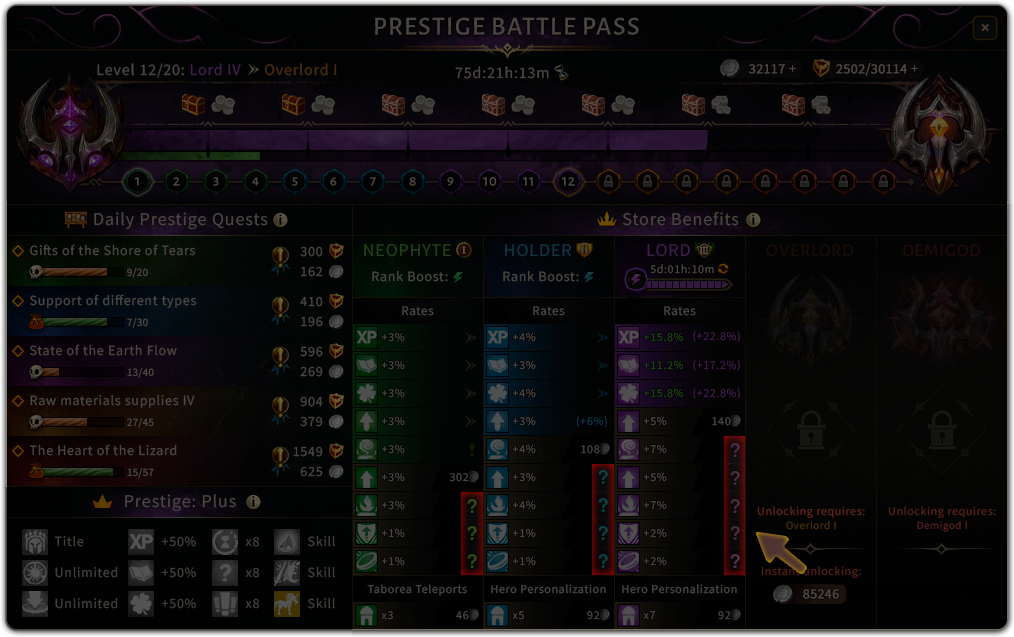 The question mark gives you the hint, that the rates of the benefits can be fullfilled by buying the previous benefit of the lower rank. |
Rank Boost
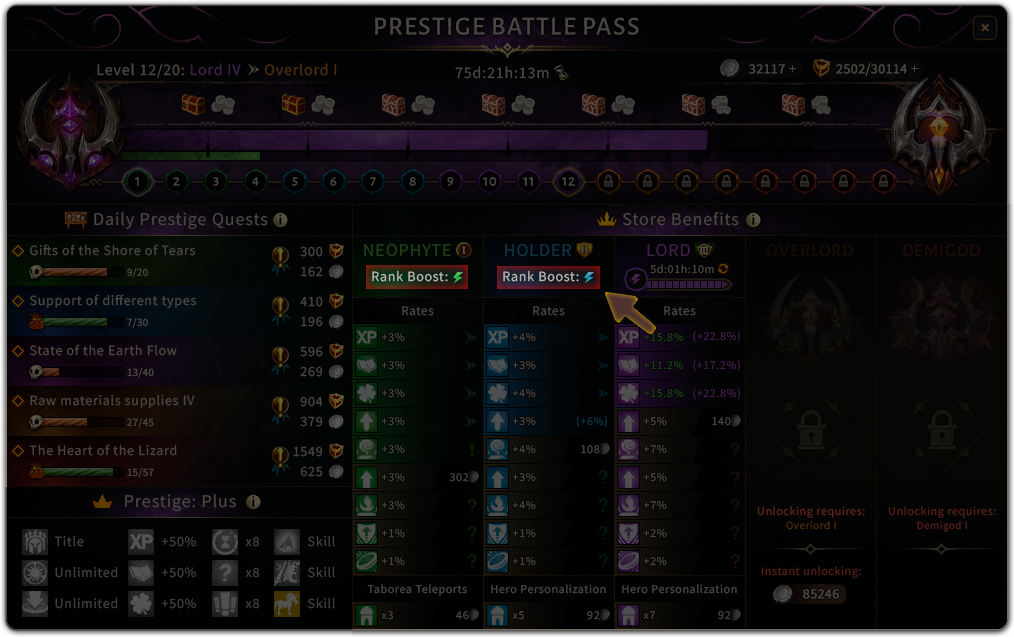 |
Rank boosts allow you to increase your benefit powers. The higher the rank at which a booster is purchased, the more bonuses you receive. To lower the cost of a boost, you can buy more benefits at each rank, which gives you a discount. Also, by choosing a longer duration when you purchase, you get an additional discount. To purchase a boost, click on the lightning bolt icon for the rank you want the benefits for. |
Active Boost
| When you purchase a boost, you will see the information about your current boost in the rank category. |
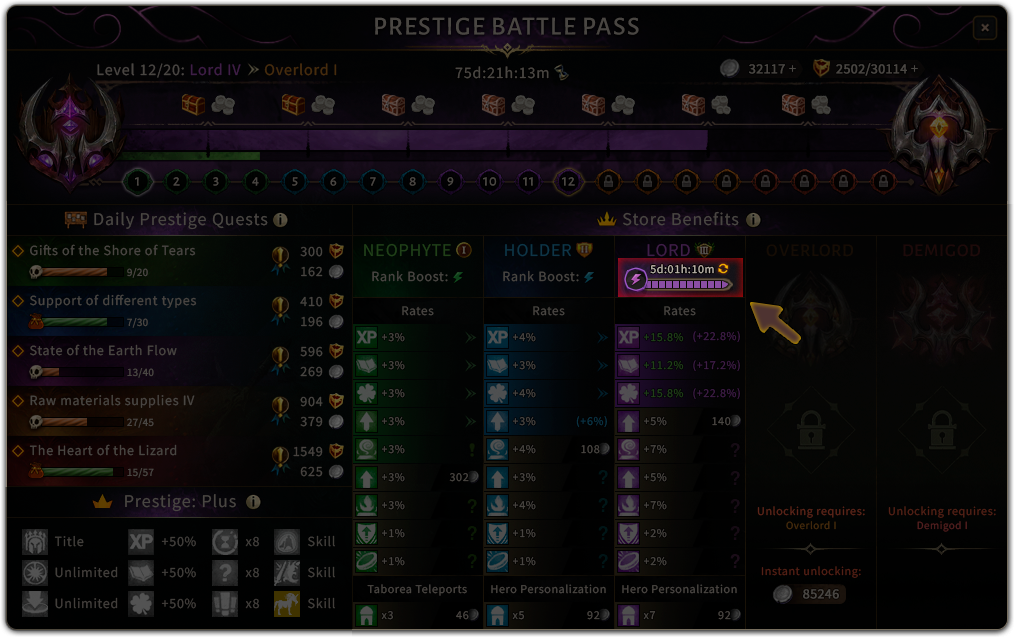 |
Boost time
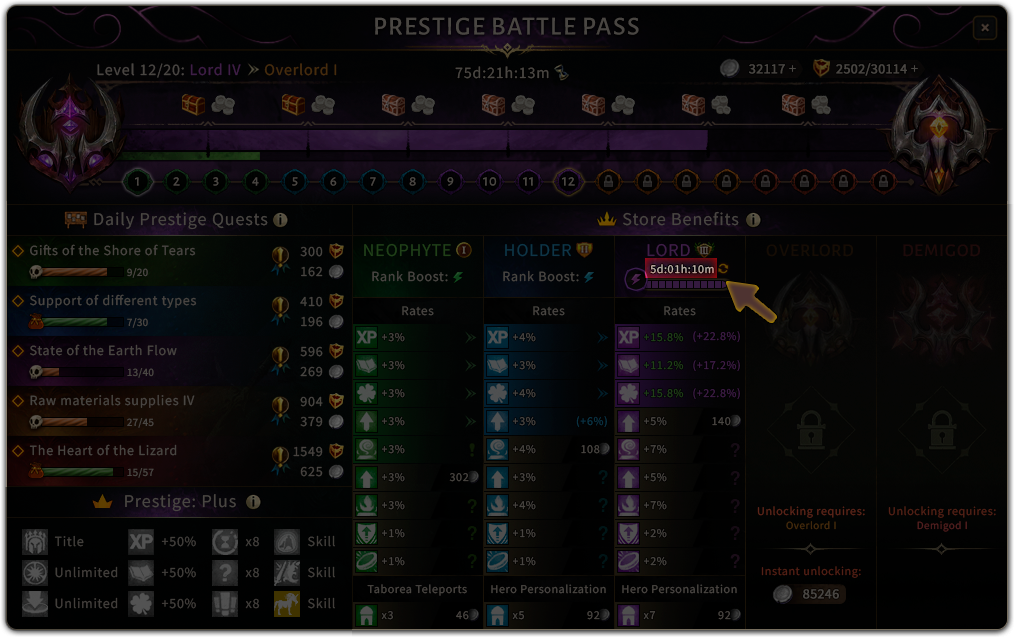 |
The remaining time of the boost will be shown in the rank category where it is activated. The boost time is frozen in the following situations:
|
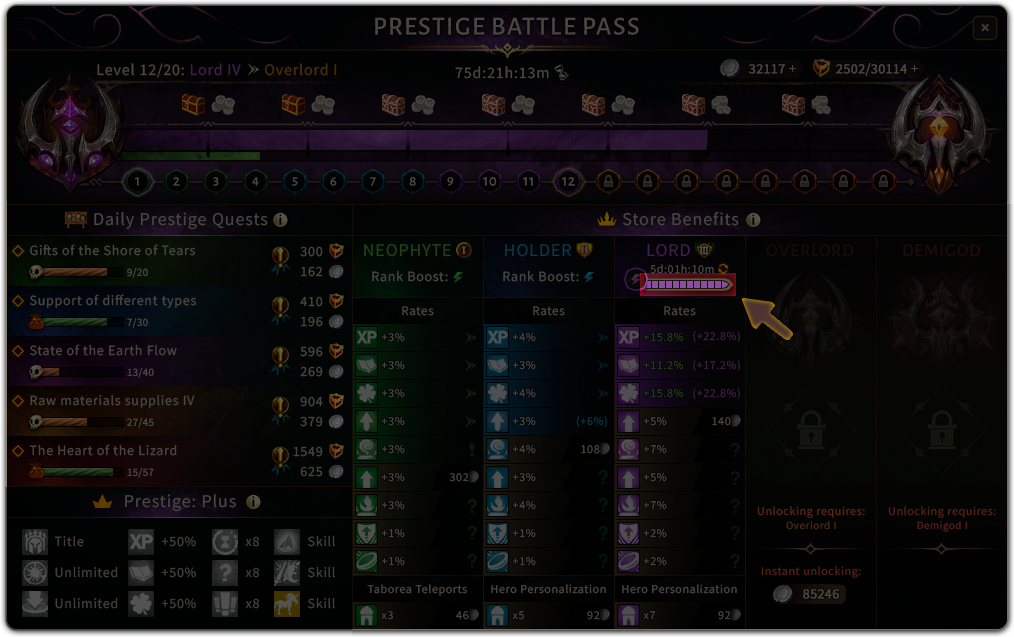
Visual display of remaining time
| This progress bar allows you to visually see the remaining time left on the booster. |
 |
Boost Time Update Button
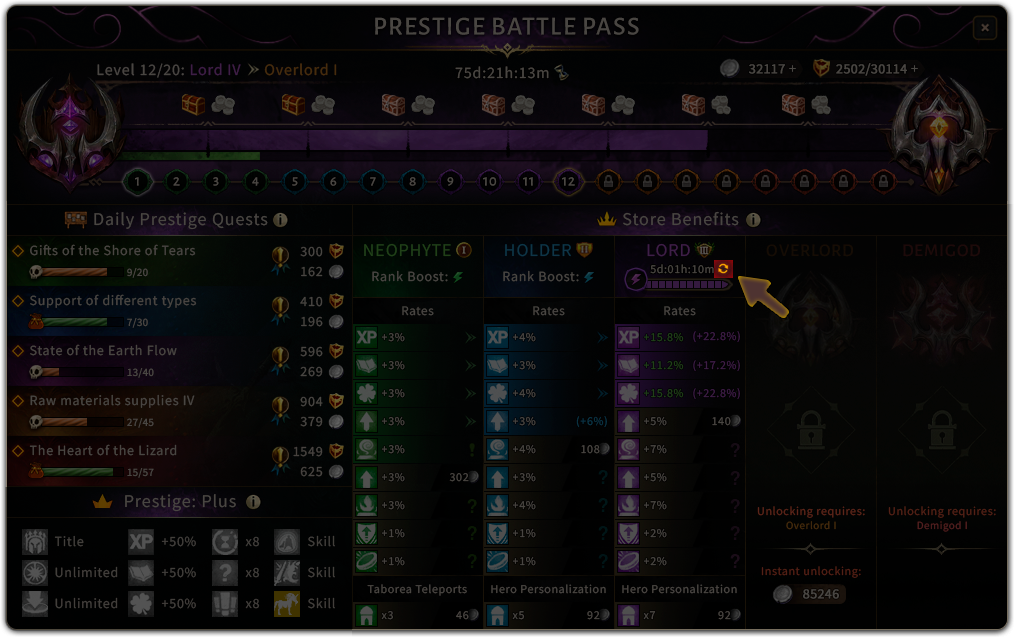 |
The arrow icon will allow you to increase your boost time. |
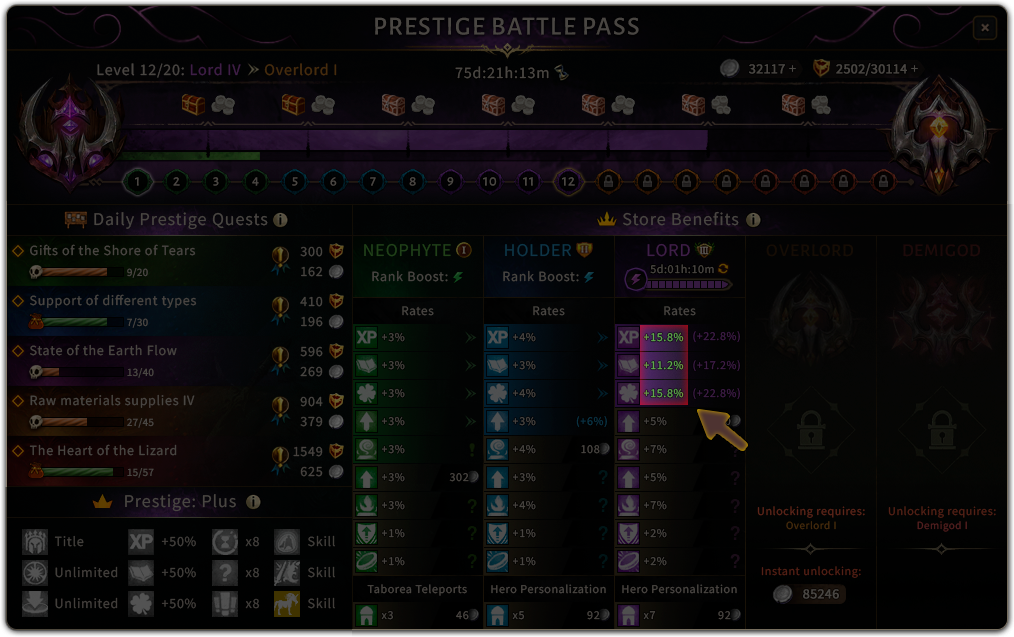
Visual display of enhanced benefits
|
When buying a boost, all benefits in the current rank will be highlighted in green and their values will be increased. This also applies to benefits that are unlocked while the boost is active. This will be updated after purchasing. |
 |