









Title System Rewizja: 14 czerwca 2024
Summary
- 🛡️ Equip Titles: Add Quest, Challenge, System and Event Titles for unique attributes.
- 🌉 Unlock: Visit [Twace Kaht] and [Polis Leighton] in [Varanas].
- 📅 Activate Titles: Complete Title Dailies from Coloured Bulletin Boards to earn Reputation Badges and Experience Gems.
- 💎 Level Up: Use Experience Gems to increase Badge Title Level.
- ⚡ Double Buff: At 100% Reputation, activate double attributes for 1 hour.
Detailed Guide
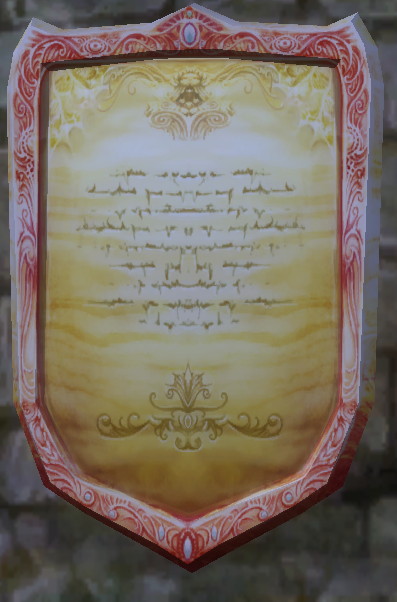
The title system allows you to equip additional titles alongside your primary title, each providing unique attributes. Here’s how to navigate and utilize this system effectively.
First Steps
 |
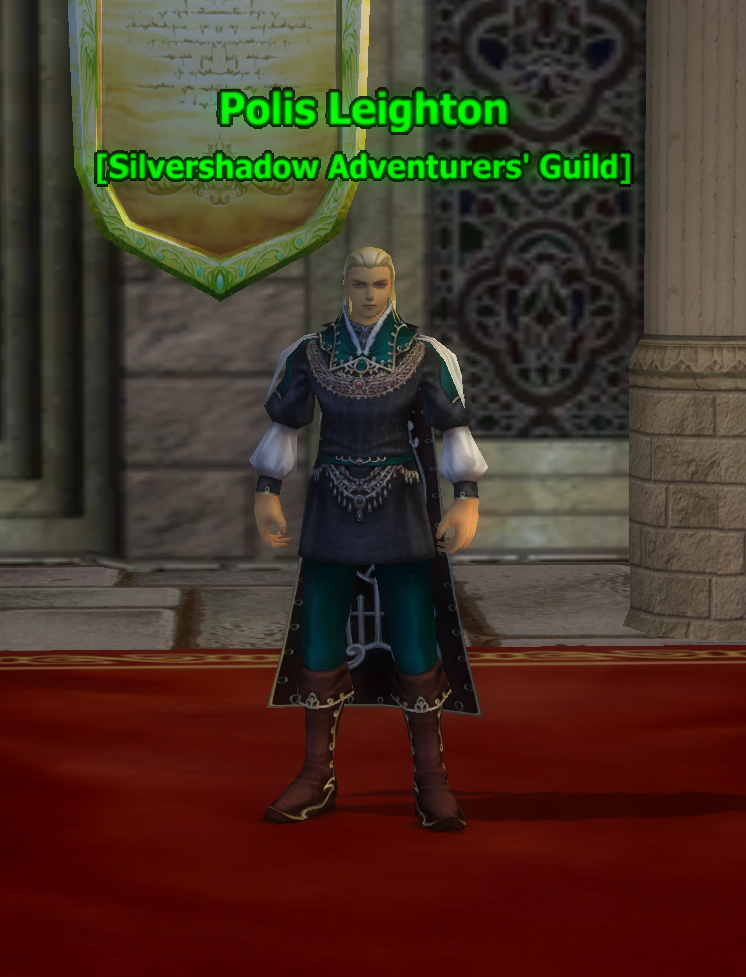 |
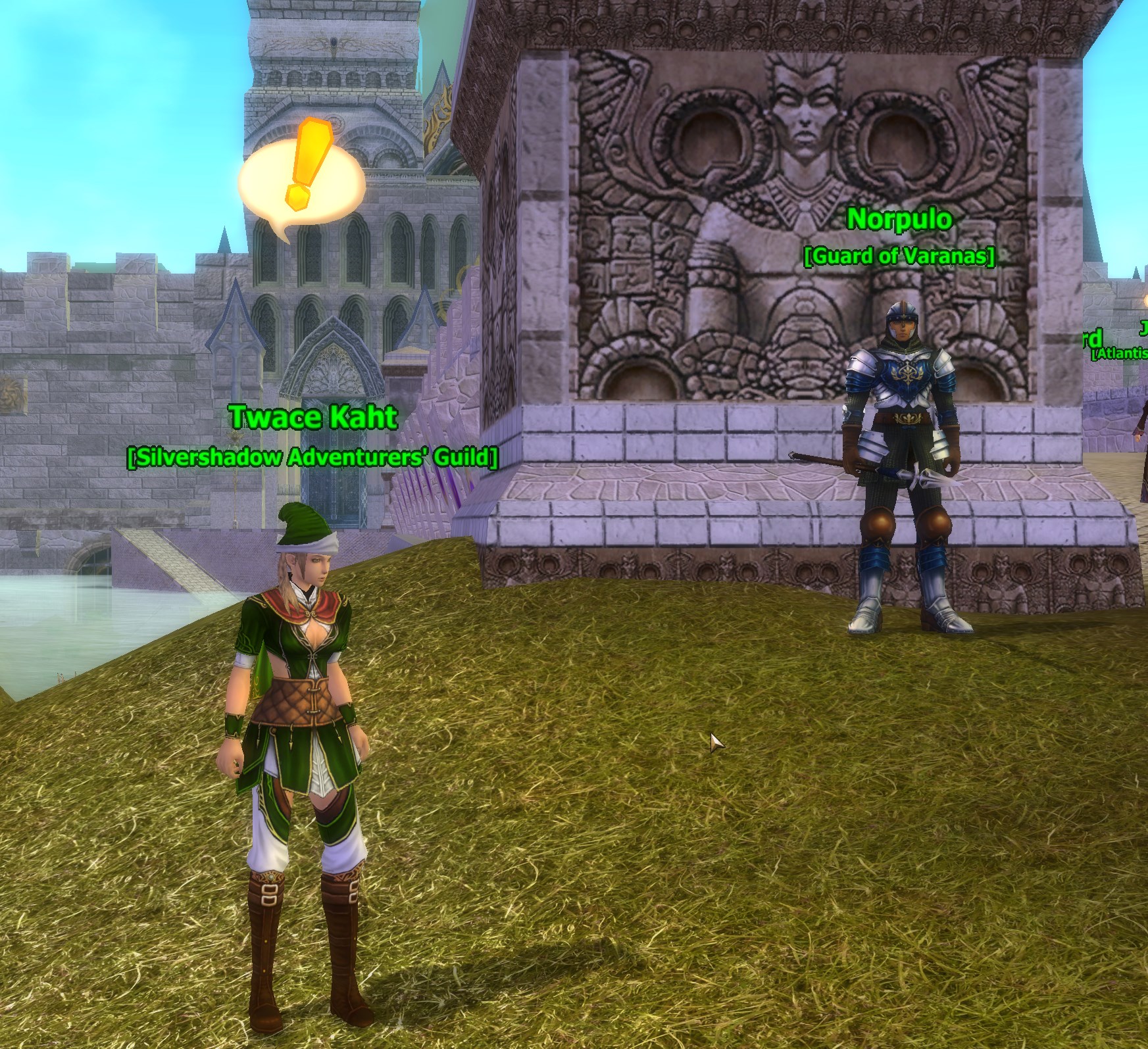
First, visit [Twace Kaht] at [Varanas] Bridge in the  [Srebrne Źródło] zone. She will give you a quest. Afterwards, transport to [Varanas] Class Hall and speak with [Polis Leighton]. This will unlock the new title interface.
Setting Titles
 |
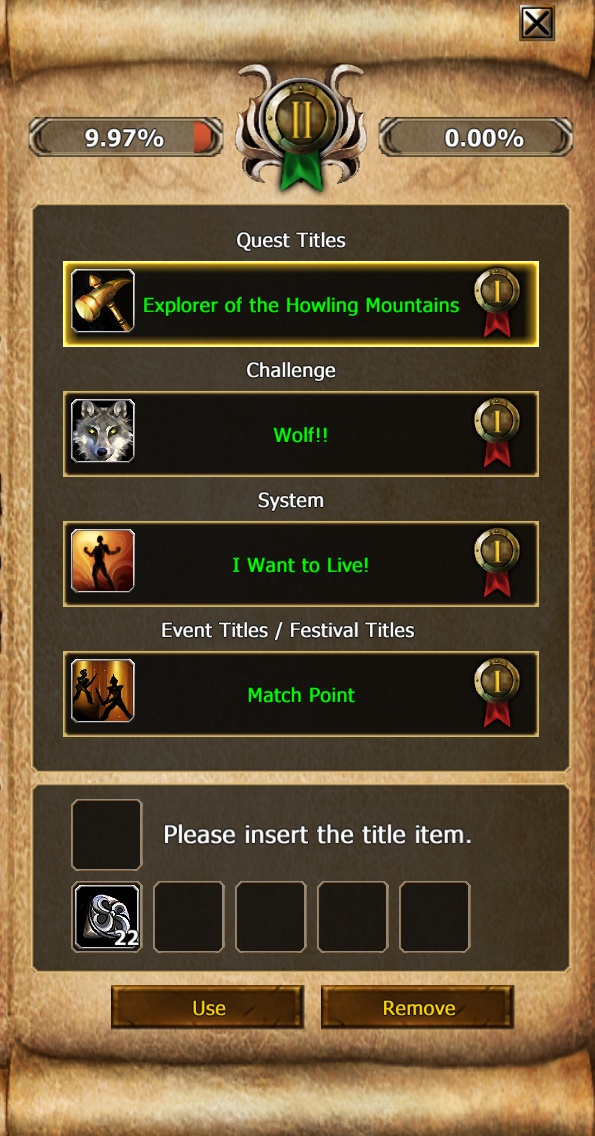 |
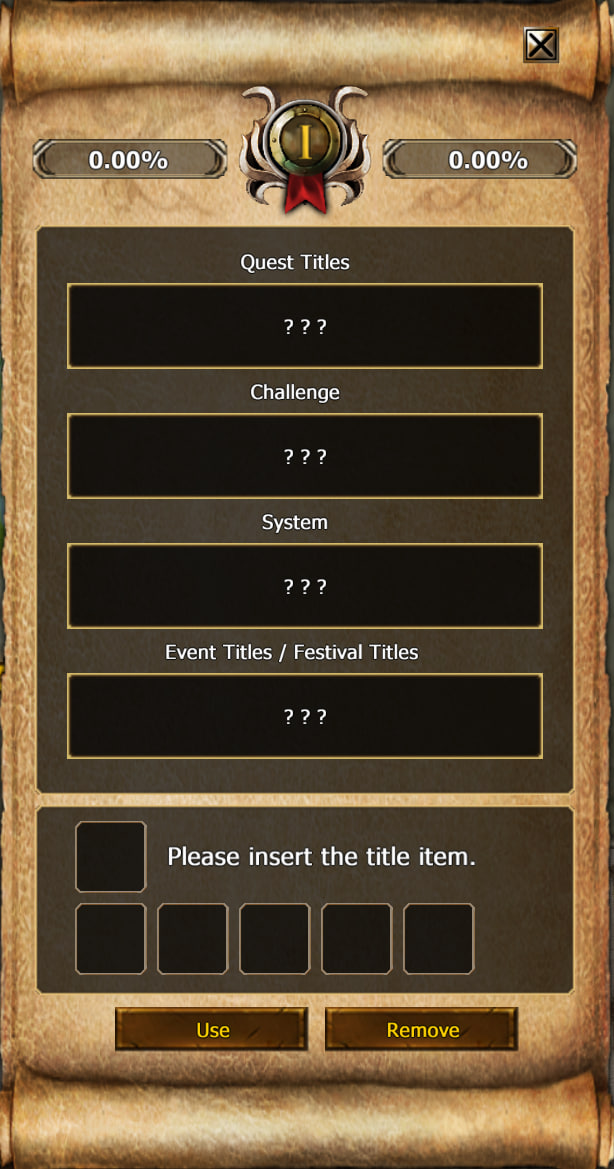
To begin, open the title interface by pressing the default key, T. In the old interface, you will see your current equipped title. On the right, you’ll find the new title interface, where you can equip one quest title, one challenge title, one system title, and one event title.
If the new title screen isn't visible, you might need to click the expansion arrow next to the close titles button.
At the top of the new interface, you’ll see a kind of badge with a Roman numeral in it. This is your Badge Title Level, which indicates the maximum level of titles you can select. Newly created characters start at rank 1.
In the old interface, you can select the levels. When you open the Title Interface, it’s automatically set to “ALL,” so you have to click on the arrow behind it and choose for example Badge Title Level 2. Then press on “Quest Titles.” Now you will see three titles you can choose from: Adventurer of Silverpring,  [Przewodnik po Dolinie Aslan], and
  [Badacz Grzbietu Smoczego Kła].
Each title has different attributes, which you can view by clicking on the badge symbol behind the name of the title and hovering over it with your mouse. To equip a title in the new interface, click on that badge. Repeat this process for challenge, system, and event titles. For instance, you might choose "[Przewodnik po Dolinie Aslan]," " [Tajemnica Lustrzanego Kufra]," "
 [Agresywny Kontratak]," and "
 [Bohater Goblinów]."
After setting all titles, they are not activated yet.
Activating and Leveling Titles
Title Dailies
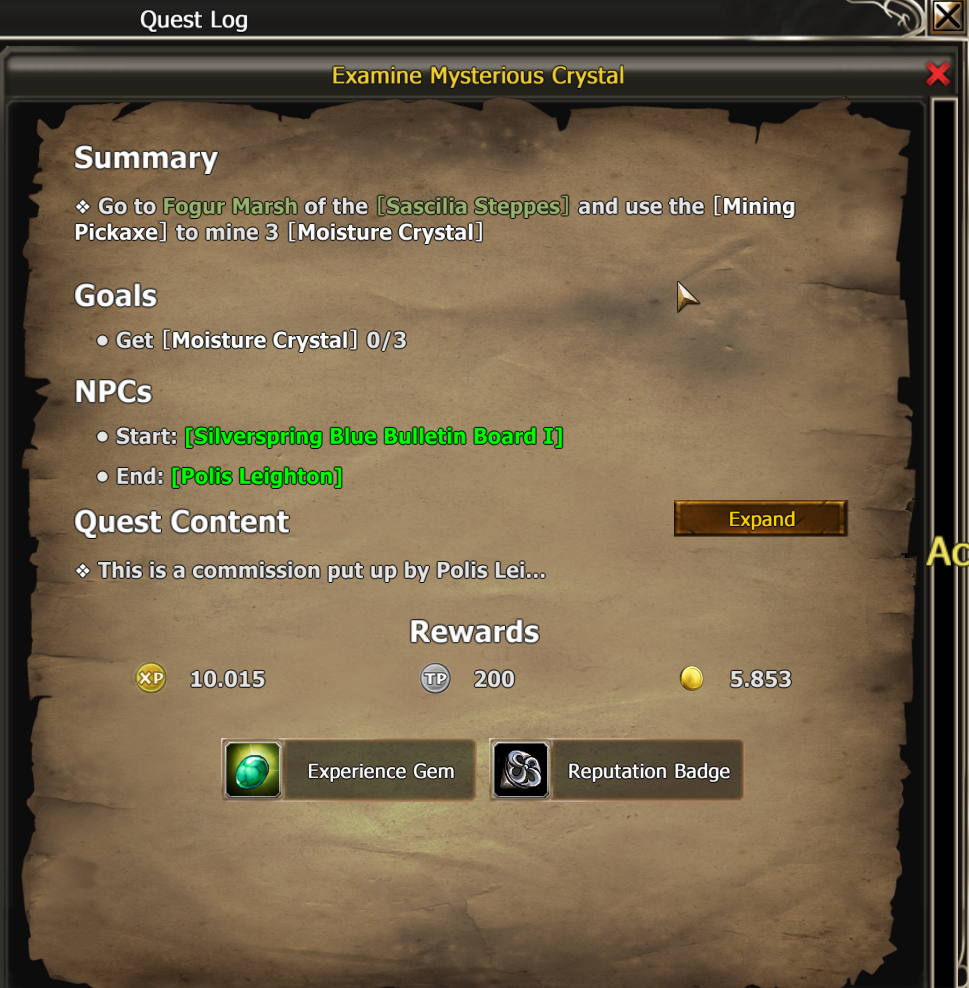
To activate your titles, you need to do "Title Dailies." Start these by talking to [Polis Leighton] in [Varanas] Class Hall. Talk with this NPC and choose "Receive Training" to accept all four color quests. Additionally, accept the quest [Kropla Drąży Skałę]
You can find the Coloured Bulletin Boards behind the NPC on the wall:
- Red Bulletin Board quest: Instance quest (the NPC will tell you which zone to visit, and you need to pick this one up at the zone of the instance you need to do. The board can be found in "world search").
- Yellow Bulletin Board quest: Minigame.
- Blue Bulletin Board quest: Gather/craft quest.
- Green Bulletin Board quest: Use an item on a player of the same race, class, etc., to make faces, dance, and other emotes; or a gather quest.
These quests are scaled to your maximum character level and can change daily. You may need to do newer instances if you accept the quest at a high level class.
Completing all four color quests allows you to hand in the daily to do all four as well. These quests give you “reputation badges” and experience gems.”
Using Reputation Badges and Experience Gems
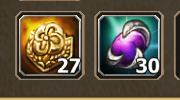
Reputation badges are used to activate your titles for a certain amount of time. Make sure you activate them wisely because the time starts counting when you use the reputation badge. Experience gems are used to level up your Badge Title Level. You can consume your reputation and experience badges/gems by putting them in the empty slot below your titles in the new interface and pressing “Use.”
Both of these can also be bought in the Item Shop or earned via Prestige.
Double Attributes Buff

The basic effects of attributes are active when your reputation is above 0.00%. You can see this by looking at your reputation; your attributes in the new title interface will be green (if red, they are inactive). When your reputation is 100%, you can press the “medal button” between the reputation and experience bar. This button will glow when it reaches 100%. Clicking this button grants you a double attributes bonus for 1 hour.
Bulletin Boards
| Red Bulletin Boards | |||
|---|---|---|---|
|
Continent |
Map |
Zone |
Game Object |
| [Candara] |
|
Logar |
[Czerwona Tablica Ogłoszeń w Wyjących Górach] |
|
|
[Varanas], Class Hall |
[Czerwona Tablica Ogłoszeń w Srebrnym Źródle] | |
|
|
Abandoned Fortress |
[Czerwona Tablica Ogłoszeń w Kruczych Polach] | |
|
|
Silverfall |
[Czerwona Tablica Ogłoszeń w Dolinie Aslan] | |
|
|
Harf Trading Post |
[Czerwona Tablica Ogłoszeń na Wyżynie Ystra] | |
|
|
[Obsydianowa Twierdza], Glory Square |
[Czerwona Tablica Ogłoszeń w Kanionie Piaskowego Diabła] | |
|
|
Boulderwind Village |
[Czerwona Tablica Ogłoszeń na Wybrzeżu Łkań] | |
|
|
Dimarka |
[Czerwona Tablica Ogłoszeń w Wulkanie Aotulia] | |
|
|
Ayren Caravan |
[Czerwona Tablica Ogłoszeń na Stepach Sascilii] | |
|
|
Lyk |
[Czerwona Tablica Ogłoszeń na Grzbiecie Smoczego Kła] | |
| [Zandorya] |
|
[Dalanis] |
[Czerwona Tablica Ogłoszeń na Wzgórzach Grzmiącego Kopyta] |
|
|
Tomard |
[Czerwona Tablica Ogłoszeń Pustyni Limo] | |
|
|
[Miasto Kampel] | [Czerwona Tablica Ogłoszeń Nieprzyjaznej Krainy] | |
|
|
Fireboot Outpost |
[Czerwona Tablica Ogłoszeń Czerwonych Wzgórz] | |
|
|
Kyosa Village |
[Czerwona Tablica Ogłoszeń w Zatoce Tergothen] | |
| [Balanzasar] |
|
Front Line Alliance Camp, Research Center |
[Czerwona Tablica Ogłoszeń Starożytnego Królestwa Rorazan] |
|
|
Sagthorne Camp |
[Czerwona Tablica Ogłoszeń w Chrysalii] | |
|
|
Cadoon |
[Czerwona Tablica Ogłoszeń Tundry Merdhin] | |
|
|
Lyndon Camp |
[Czerwona Tablica Ogłoszeń Przełęczy Syrbal] | |
|
|
Wall of Patrace |
[Czerwona Tablica Ogłoszeń w Sarlo] | |
| [Gerador] |
|
Muckgale Port |
[Czerwona Tablica Ogłoszeń w Wyjący Fiord] |
|
|
Leorden Stronghold |
[Czerwona Tablica Ogłoszeń w Dżungla Hortek] | |
|
|
Pioneers Camp |
[Czerwona Tablica Ogłoszeń w Niecka Salioca] | |
|
|
Hovik's Camp |
[Czerwona Tablica Ogłoszeń w Kashaylan] | |
| [Kolydia] |
|
Brinewind Castle |
[Czerwona Tablica Ogłoszeń w Wybrzeże Rozpryskującej Rzeki] |
|
|
Heroica Fortress |
[Czerwona Tablica Ogłoszeń w Wzgórza Farsitan] | |
| [Wyspy] |
|
Gray Citadel |
[Czerwona Tablica Ogłoszeń w Tasuq] |
|
|
Icefog Camp |
[Czerwona Tablica Ogłoszeń w Korris] | |
|
|
Nebula Woods Camp |
[Czerwona Tablica Ogłoszeń w Enoch] | |
|
|
Halfmoon Camp |
[Czerwona Tablica Ogłoszeń w Vortis] | |
|
|
Dawn Encampment |
[Czerwona Tablica Ogłoszeń w Chassizz] | |


