











Housing Rewizja: 21 kwietnia 2021
In Chronicles of Arcadia the House System was completely reworked and offers now way more furniture and other possibilities to design your house.
 |
 |
 |
House Interface
When entering your house for the first time, you will own the basic house called 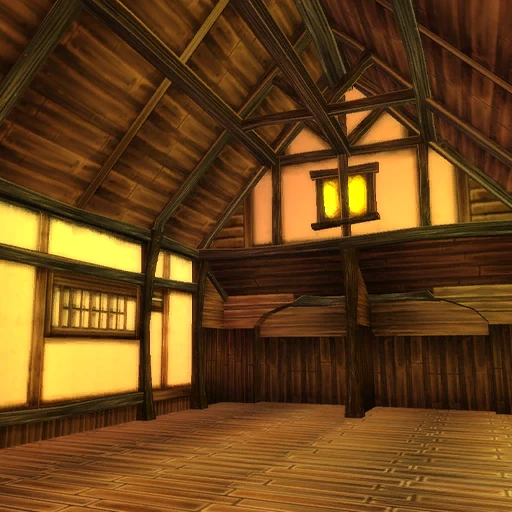 [Parterowy Drewniany Dom]. The Housing Interface will allow you to change every aspect of the house system.
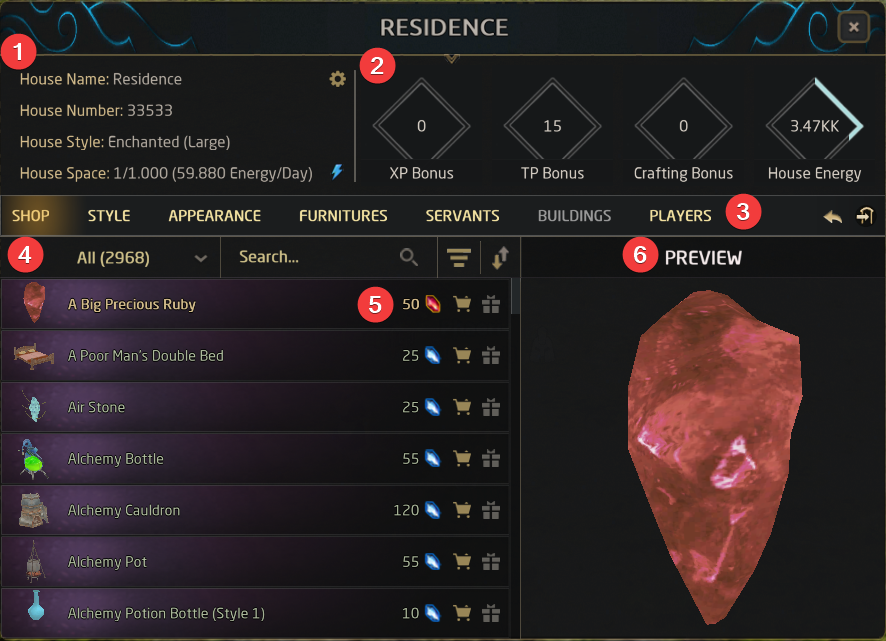
- Gives you important information about your house like name, style, space and daily energy cost
- Shows you how much bonus you get from your placed furniture and your total amount of house energy
- These buttons will show you different windows inside the interface
- Shop - You can buy furniture for different currencies
- Style - Buy an Internal House Contract or External House Contract and activate it by clicking Activate in the same line
- Appearance - Add your bought furniture and place/rotate/scale it
- Servants - Buy and place your Housemaids
- Buildings - TBA
- Players - Add player permissions for Blocking, Inviting (with time condition or permanent) or adding other players as House Friends
- Returning to the Housemaid - you can port from anywhere in your house back to the main Housemaid
- Leaving the house
- Use categories or type the name to find furniture faster, order the furniture by Name, Category, Rarity, Price Type or ID or sort it by ascending or descending
- Shows you the currency and price, by clicking on the shopping cart you buy the item and the gift package is for sending it to other players
- Preview of the item
Settings
In the upper corner of the house infobox, you can reach the House Settings by clicking the cog symbol.

Inside the settings, you will find different options.
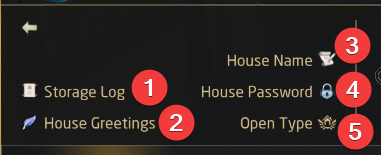
- Storage Log - in here you will find all changes regarding your storage, e.g. a house friend took something out of your chest
- House Greetings - write an automatic greeting/goodbye or a message when opening the furniture for your house friends
- House Name - give your house a name
- House Password - put a password to enter your house
- Open Type - Change your house open type, invite and block others or let them use a password
House Types
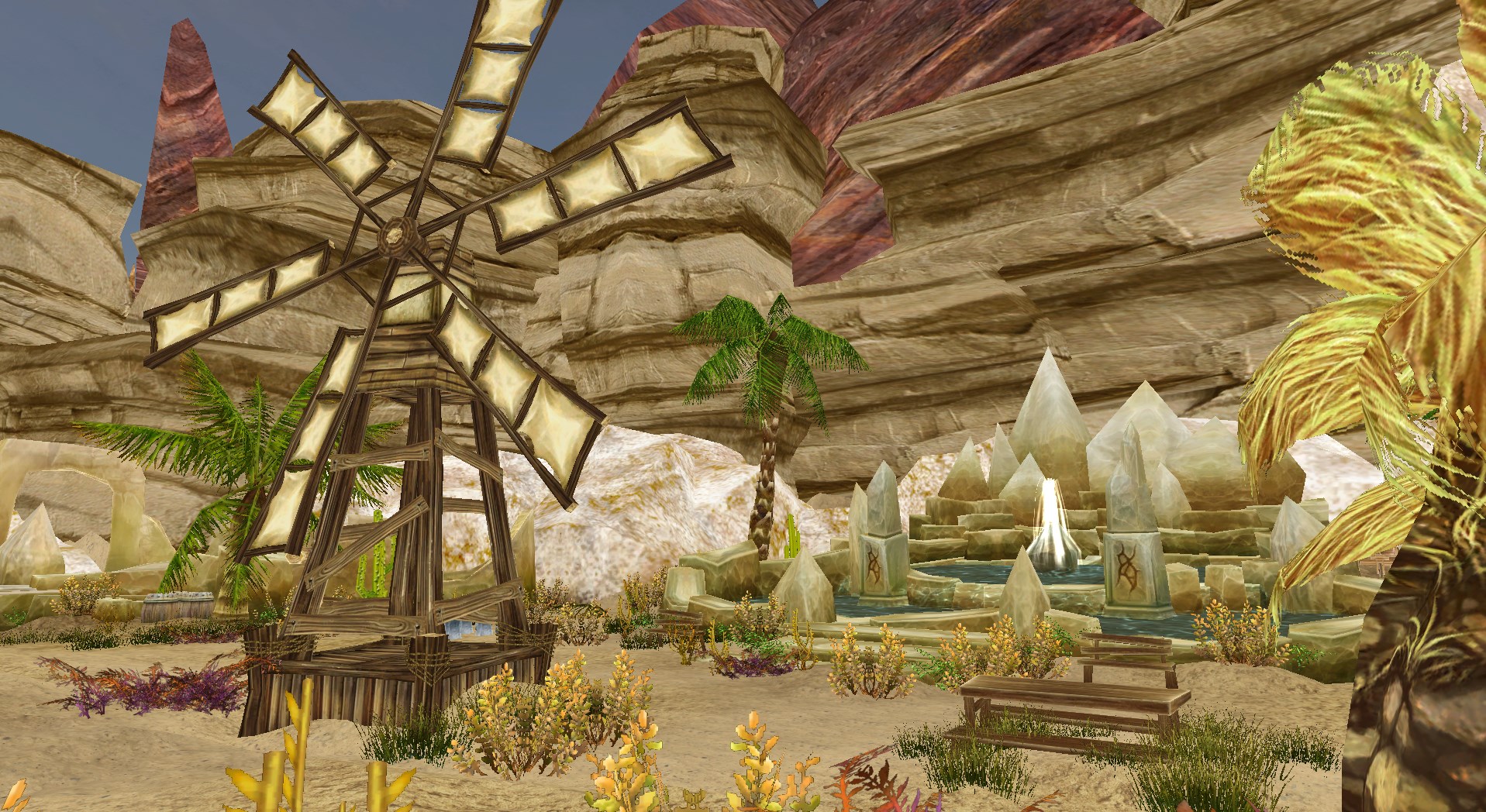
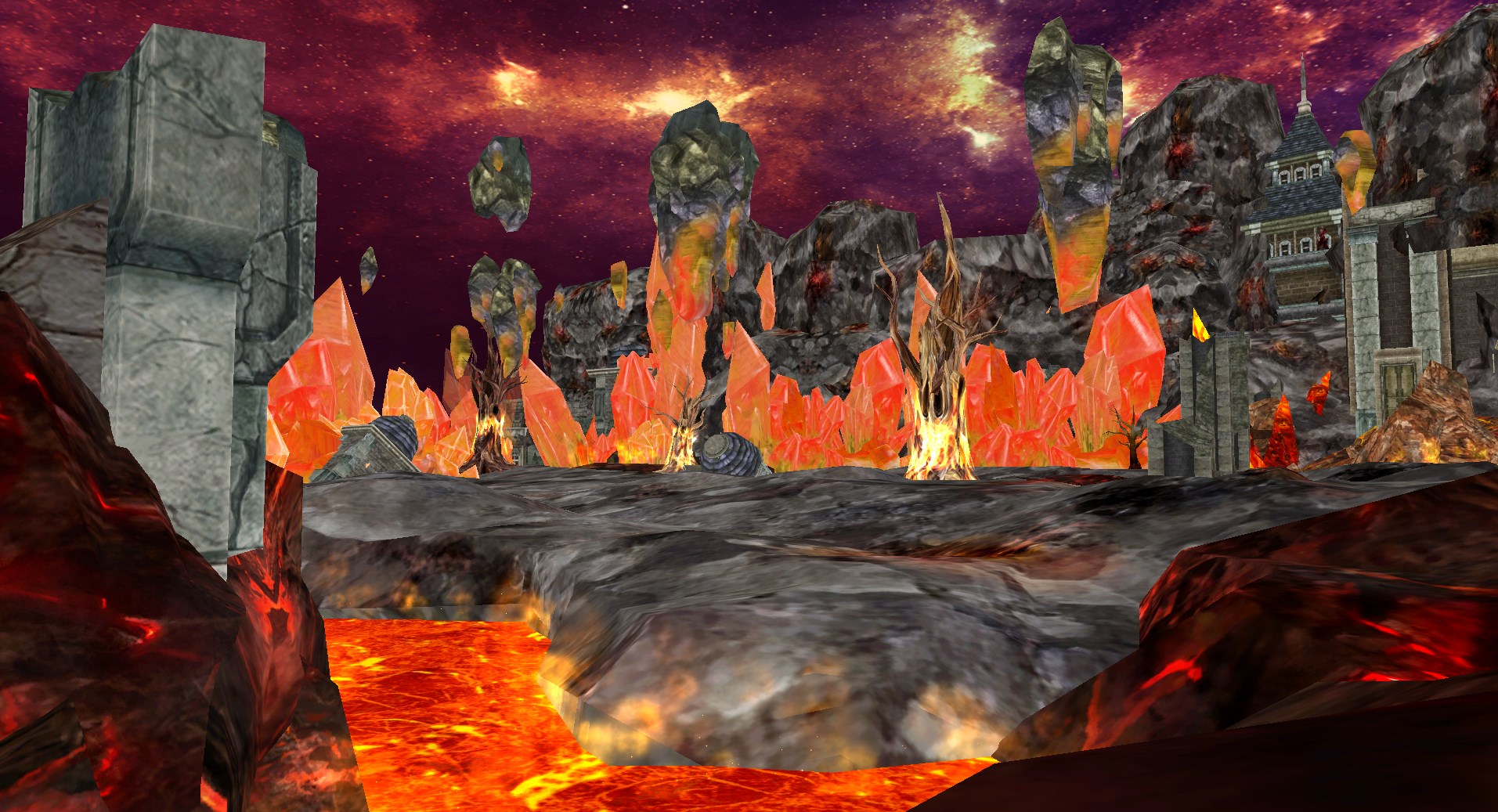
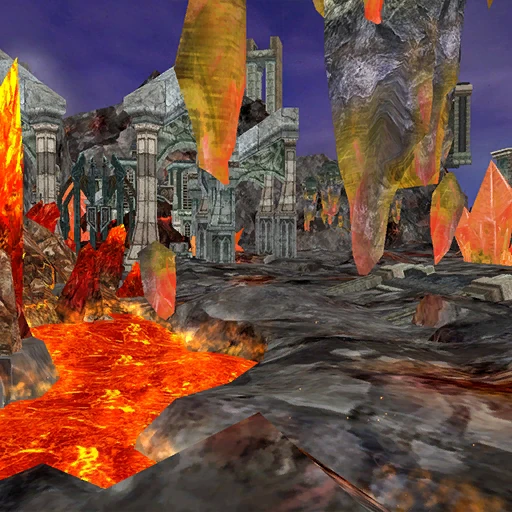
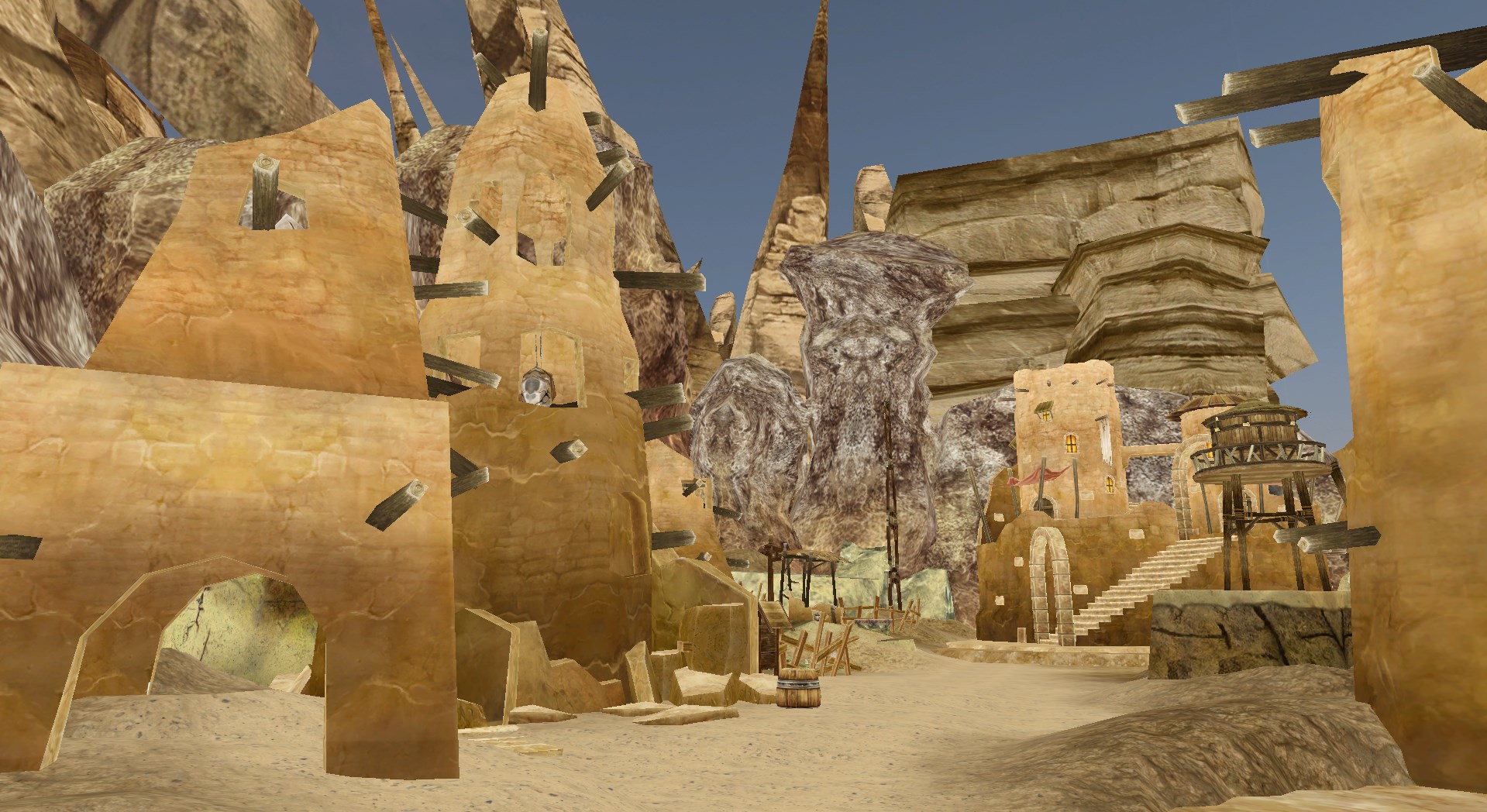
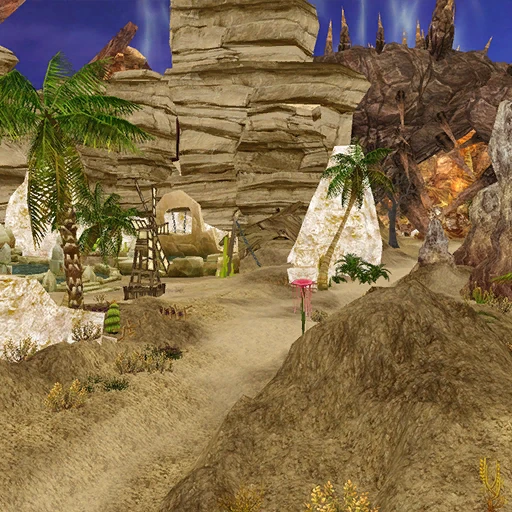
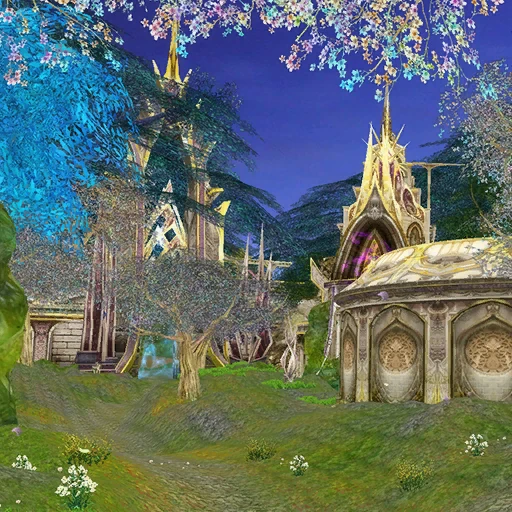
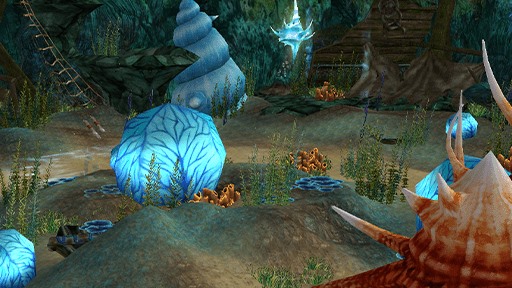
Next to the internal house contracts, you will be able to find external house contracts, which you can design as you wish to. The Internal House Contracts cost 100 Diamonds each. External House Contracts cost 500 Diamonds for Small, 2,500 Diamonds for Medium, 5,000 Diamonds for Large and 7,500 Diamonds for Full. Each External House Type of the same style looks the same; its size determines the amount of space available for placing furniture.
Internal House Contracts
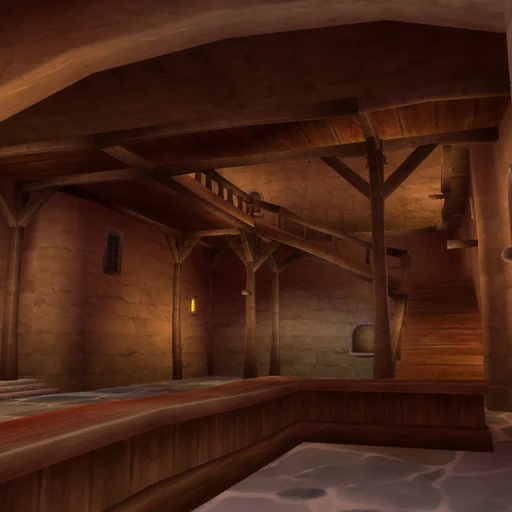 [Elegancki Hotel]
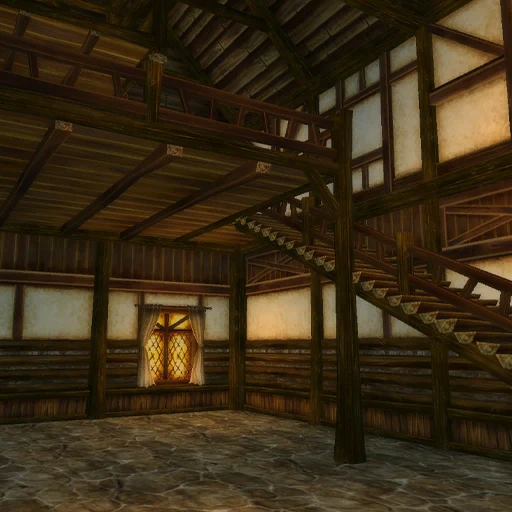 [Elegancki Dwupiętrowy Drewniany Dom]
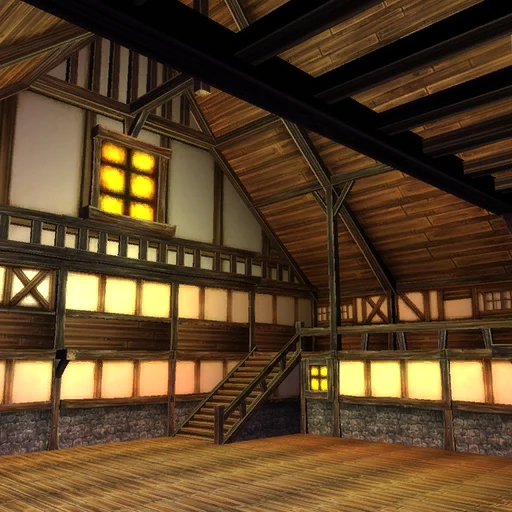 [Przestronna Luksusowa Willa]
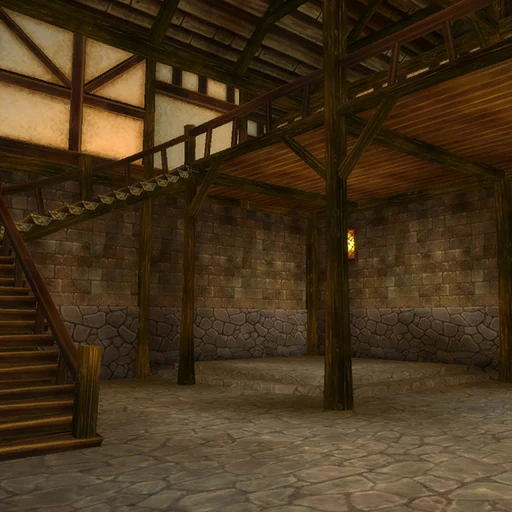 [Luksusowy Dwupiętrowy Drewniany Dom z Piwnicą]
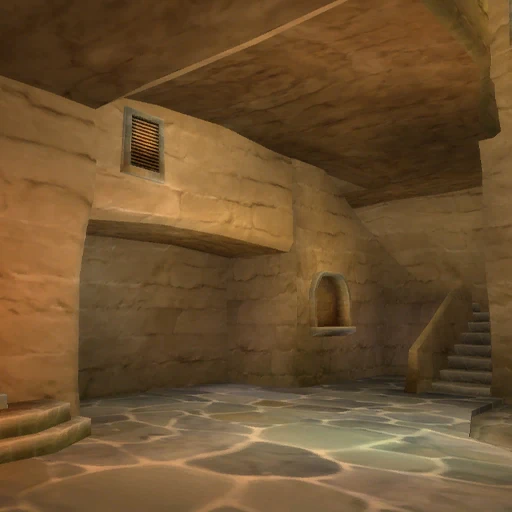 [Dwupiętrowy Gliniany Dom]
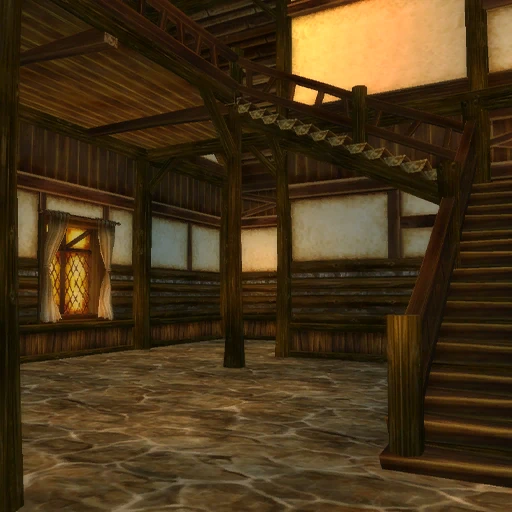 [Dwupiętrowy Drewniany Dom Rodzinny]
External House Contracts
|
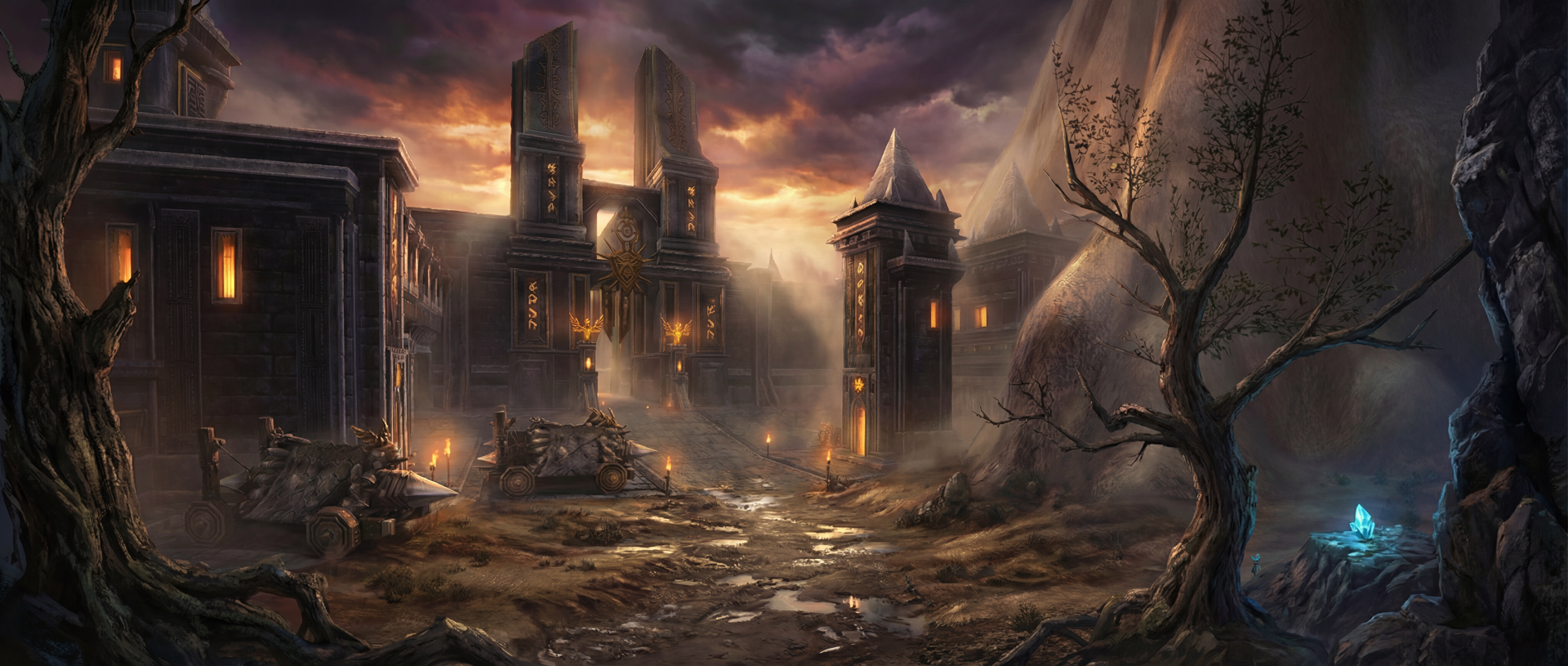
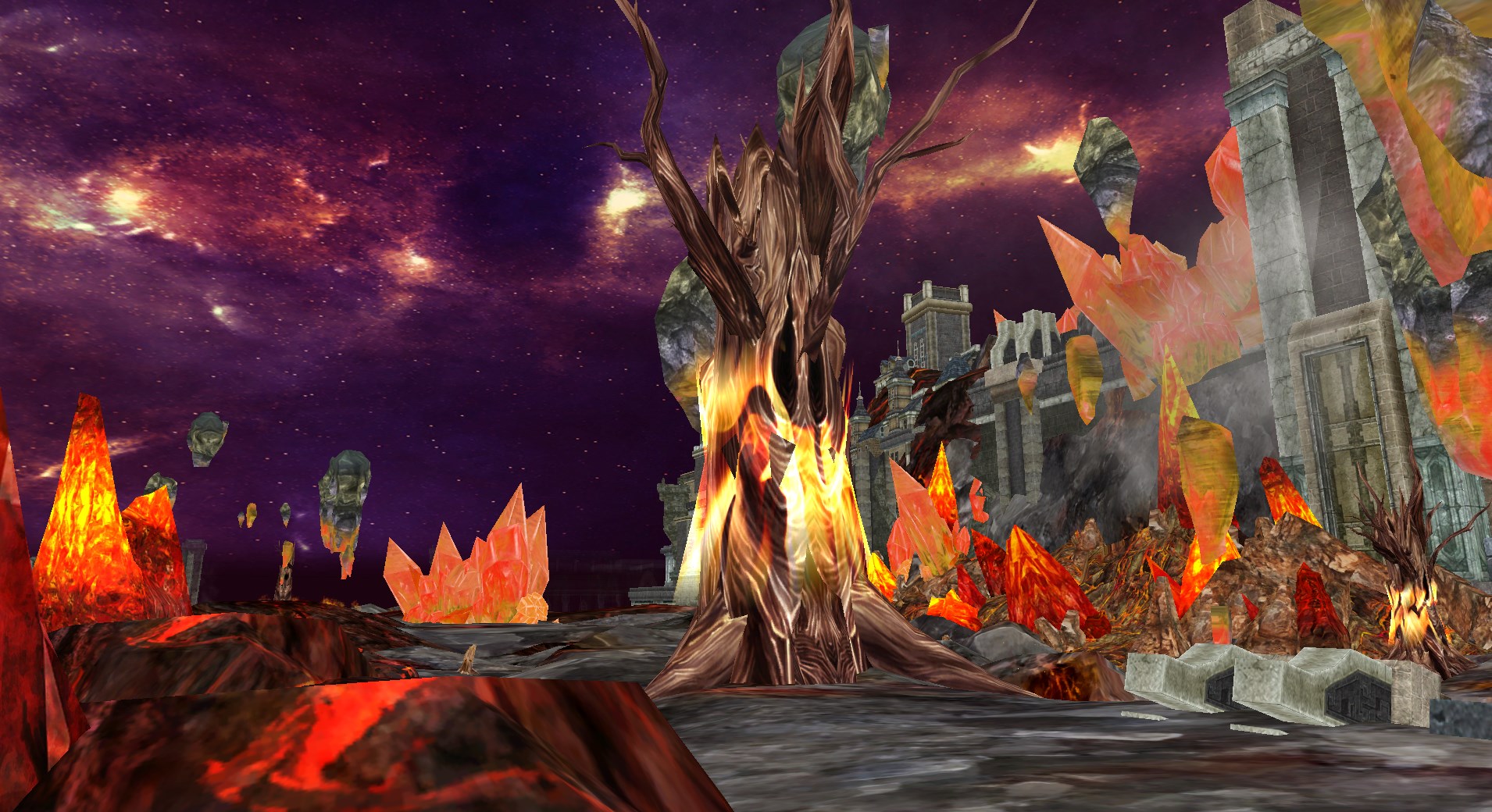
Volcano
|
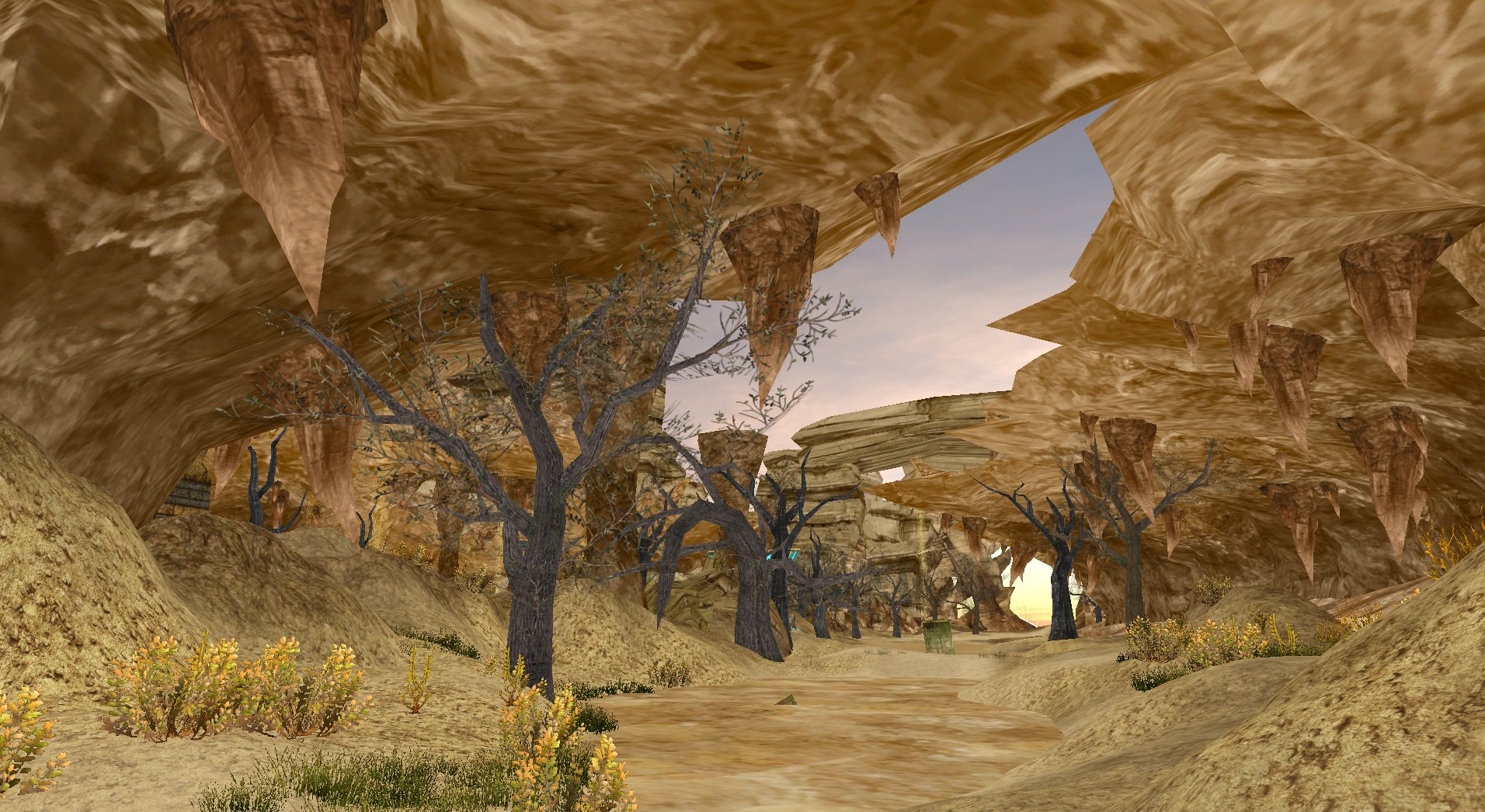
Desert
|
|
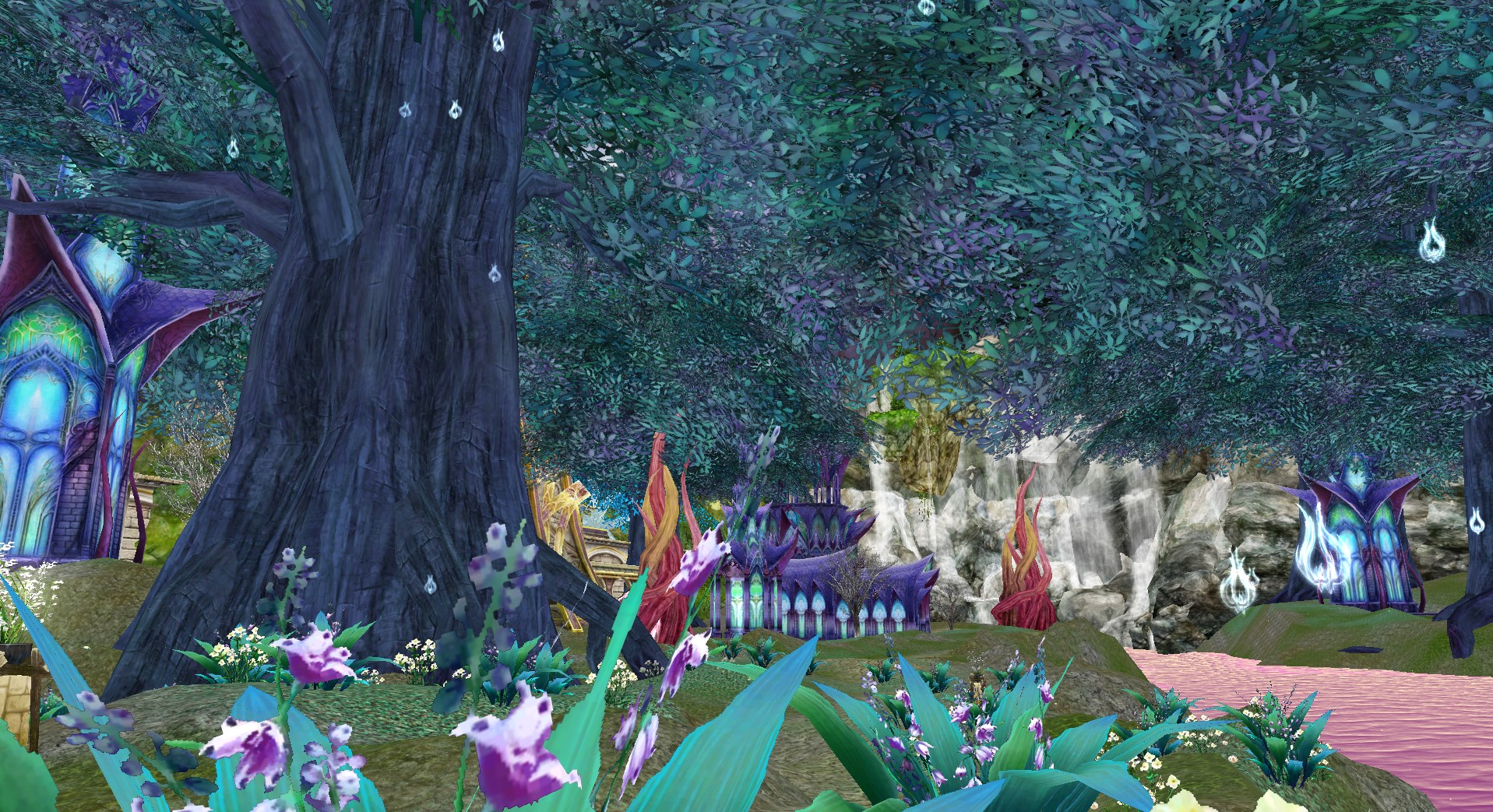
Enchanted
|
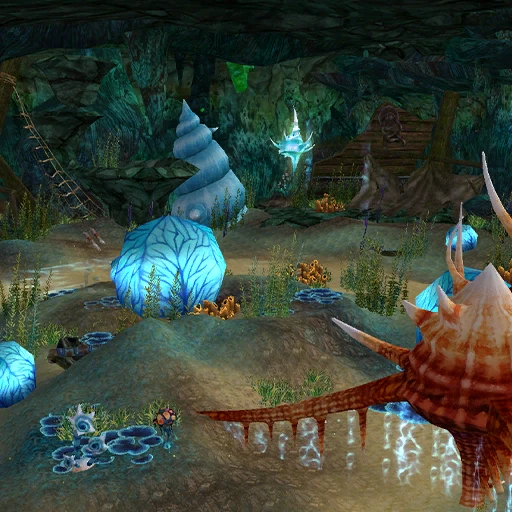
Oceanic
|

Space & Energy

In this interface tab, you can recharge your House Energy and increase or decrease your House Space. To enter this tab, you have to click on the energy sign in the upper corner of the House Interface.
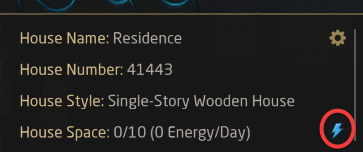
To quickly see your amount of house energy, you can check the House Energy symbol.

On the left side you can purchase more house energy for various functions inside your house. Simply choose the amount that suits your needs and then confirm it by clicking the Ok button.
On the right side you can increase your house space here, by either typing into the infobox, or using the arrow keys. You have two fees to pay, a one time upfront fee and a daily fee. Both scale based on the number of furniture slots currently active. Should you wish to reduce the amount of slots in your house, you can also decrease it here.
Appearance
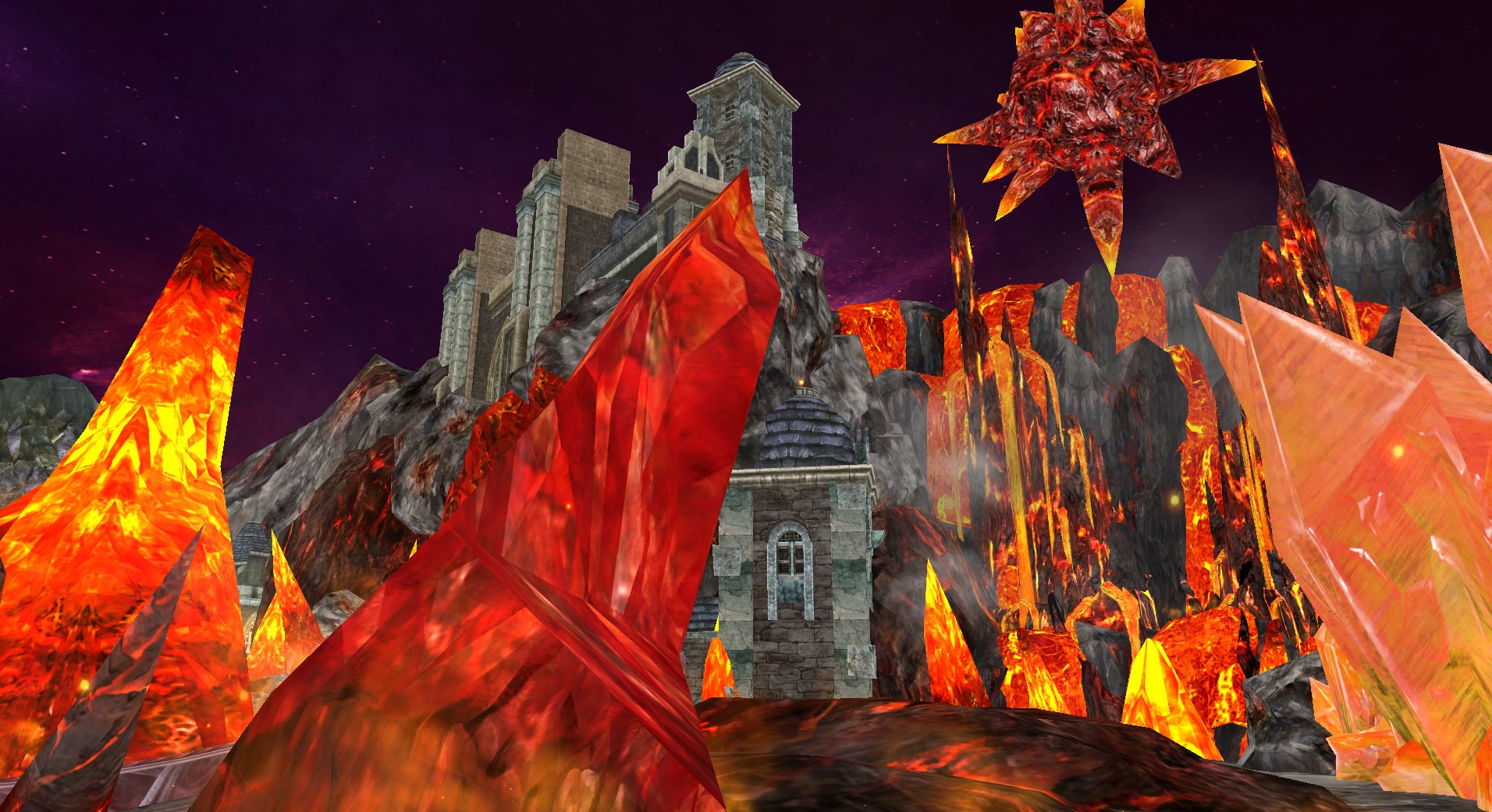
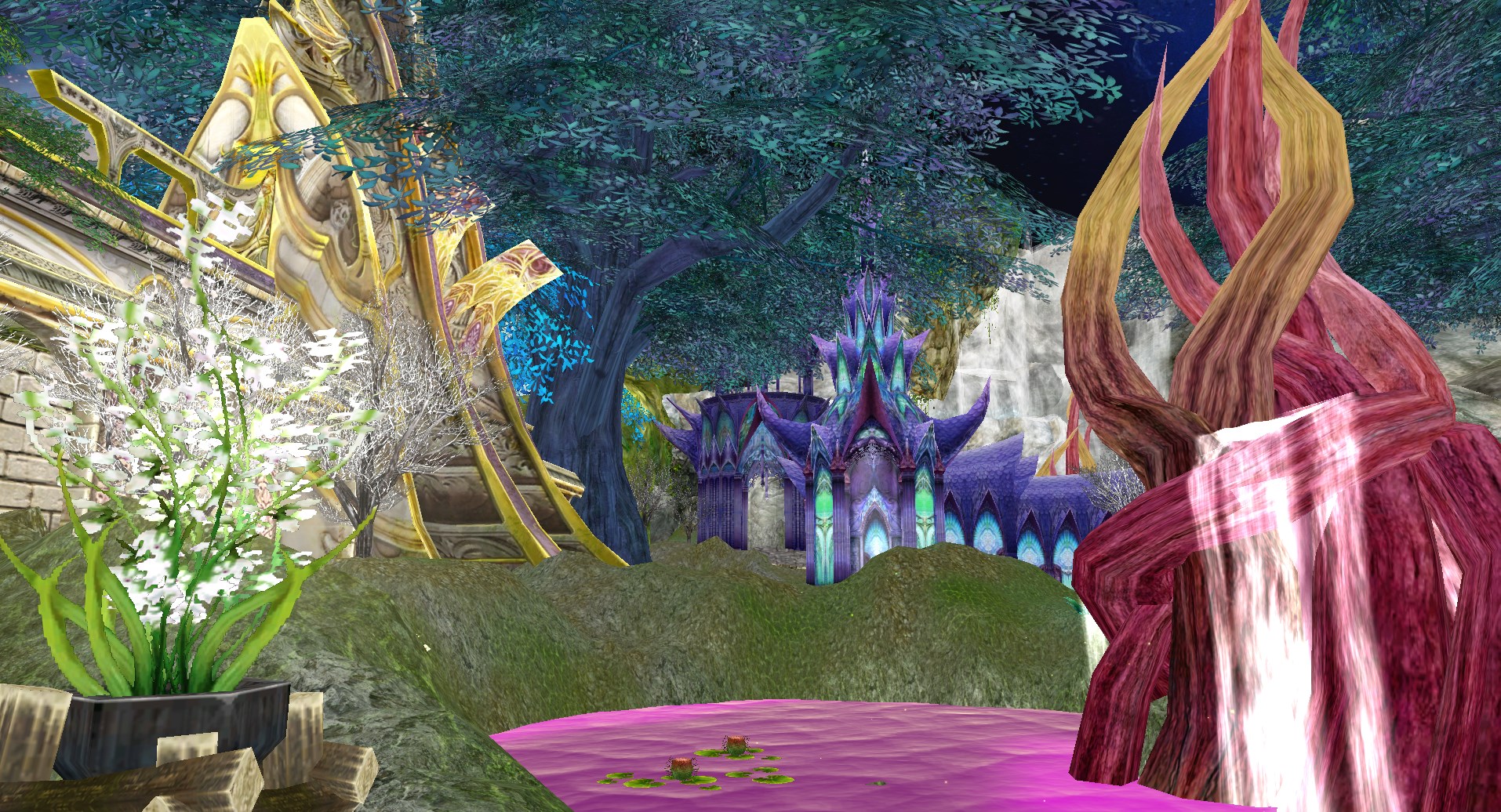
In the Appearance Tab, you can customise your Sky, Music and Ground inside your External House Styles
Sky
You can decide between 27 different Skies, which all cost different prices. After buying them, you can activate them in the same tab. There are skies to suit every style.
Music
There are 65 different music titles you can choose from. It will be infinitely be played inside your house.
Ground
There are 23 different ground styles you can choose from. In the preview, you can see which one you like most. There are grassy grounds and some with stones, desert grounds, different patterned grounds, marble grounds and even wood grounds.
Furniture
After buying furniture, you have to add it in the Furniture Tab by dragging it onto the grey field. After that you can place it by clicking on the Place button - you are free to place the item wherever you want. For smaller styles however your space is limited to the region of ground. After that you can click on the button under the Preview to resize the item or move it.
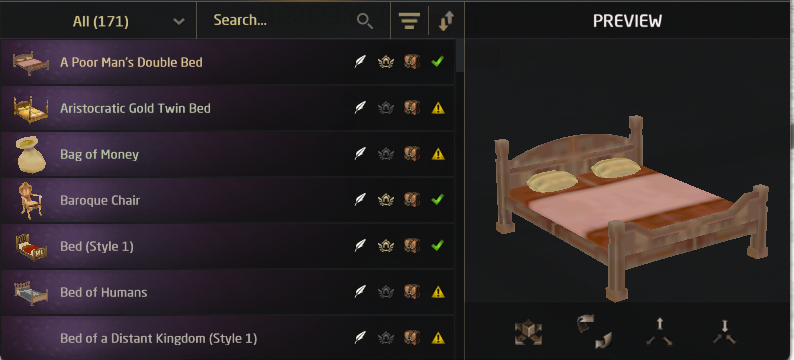
Next to the Place button, you also find the Rename button, Pickup to bag and a notification if the item is already placed or not.
Housemaids
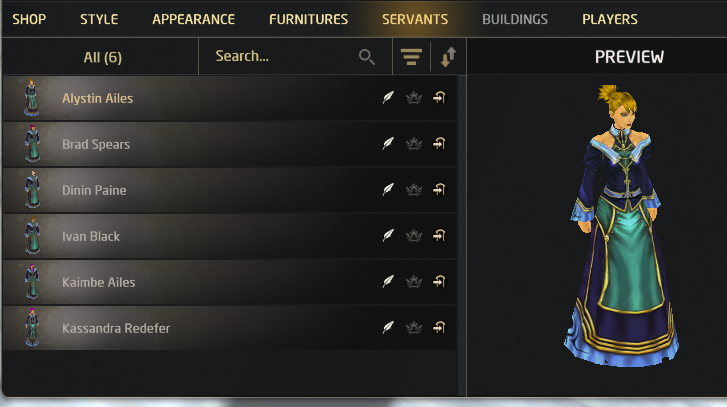
In the servants tab, you can hire housemaids for your house. You can hire up to 6 housemaids which will get more expensive with each you hire. In the Housing Interface, you can choose the housemaid you would like to hire, rename, place or fire.
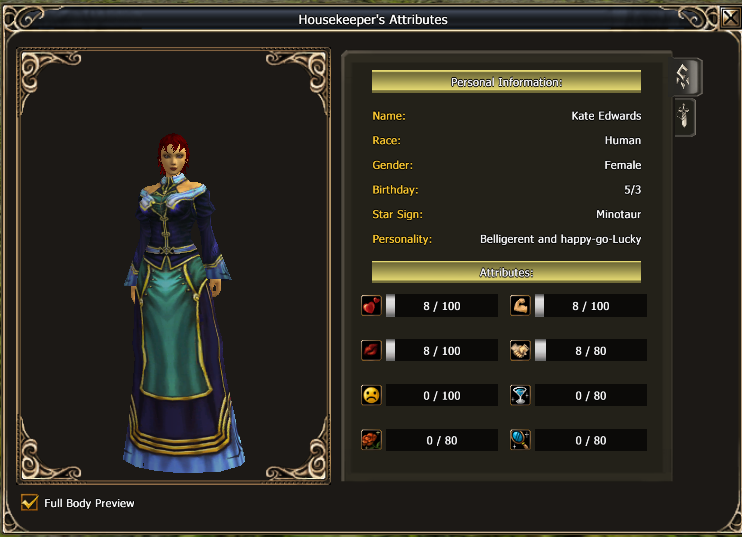
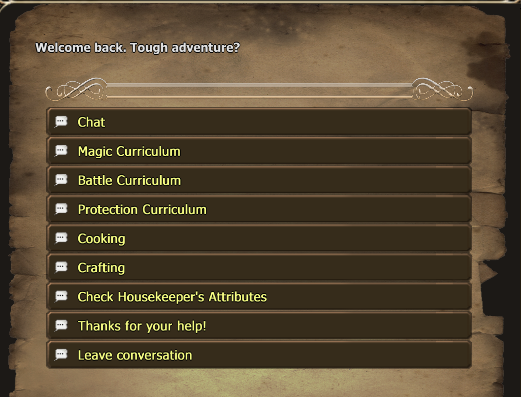
Each housemaid has different abilities such as affinity, charisma, fatigue, magic skills, battle skills, defense skills, cooking skills and inventive skills.
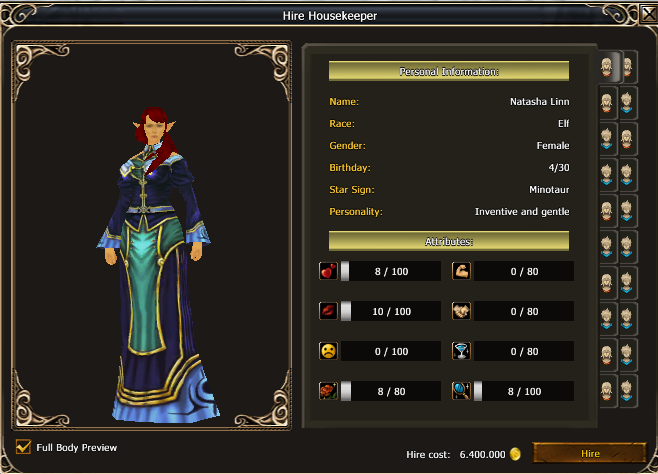
Each skill stands for something else the housemaid can give you. Magic Skills, Battle Skills and Defense Skills will give you a buff, Cooking Skills will give you buff food and Inventive Skills will give you potions. Regarding what you want the housemaid to give you, you should hire one with the highest maximum points in that category.
Affinity will level by chatting to the housemaid and will allow you to use the other abilities when it reaches 10, each chat action will use 15 fatigue. Other actions will increase the fatigue to increase by 25. Once it reaches 100, your housemaid will have to recover for some time. By clicking "Thanks for your help!", you can reset the fatigue of your housemaid for Gold.
The higher the charisma of the housemaid is, the longer is the duration of the buffs you receive and the amount of potions and food the housemaid will give you.
 |
 |
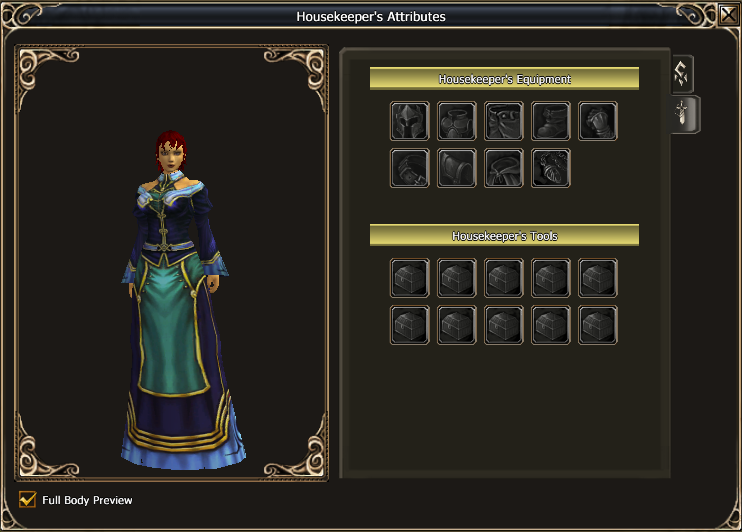
Clicking the second tab in the housemaid interface will show you the housemaid equip spaces. By placing equip parts, you can change the look of the house maid.
Housekeeper Buffs
Primary effects scale every 5 points of the corresponding housekeeper skill. Additional percentage buffs unlock at 75 Magic, Battle or Defense skill and continue scaling up to 100.
| Curriculum | Buffs | Effect Range |
|---|---|---|
| Magic | Primary:  [Nieskończony Magiczny Uścisk] [Nieskończony Magiczny Uścisk]From 75 skill: [Nieskończony Magiczny Uścisk] |
Magical Attack: +50 to +1,050 Additional: +1% to +6% |
| Magic | [Wezbrany Magiczny Uścisk] |
Magical Critical Hit Rate: +10 to +210 |
| Battle | Primary: [Uścisk Dygocącego Ducha] From 75 skill: [Uścisk Dygocącego Ducha] |
Physical Attack: +50 to +1,050 Additional: +1% to +6% |
| Battle | [Uścisk Natchnionego Serca] |
Physical Critical Hit Rate: +10 to +210 |
| Defense | Primary: [Uścisk Kojącego Znużenia] From 75 skill: [Uścisk Kojącego Znużenia] |
Maximum HP: +75 to +1,575 Additional: +1% to +6% |
| Defense | Primary: [Uścisk Delikatnej Zażyłości] From 75 skill: [Uścisk Delikatnej Zażyłości] |
Physical Defense: +50 to +1,050 Additional: +1% to +6% |
Housekeeper Potions
Available potions depend on the housekeeper's Inventive skill.
| Required Inventive Skill | Potion |
|---|---|
| 1 |  [Eliksir: Pełnia] [Eliksir: Pełnia] |
| 10 |  [Eliksir: Nieokiełznany Entuzjazm] [Eliksir: Nieokiełznany Entuzjazm] |
| 20 |  [Eliksir: Książęcy Wygląd] [Eliksir: Książęcy Wygląd] |
| 30 |  [Eliksir: Czysty Umysł] [Eliksir: Czysty Umysł] |
| 40 |  [Eliksir: Szczęśliwy Cel] [Eliksir: Szczęśliwy Cel] |
| 50 |  [Eliksir: Galopujący Wicher] [Eliksir: Galopujący Wicher] |
| 60 |  [Eliksir: Szalona Ucieczka] [Eliksir: Szalona Ucieczka] |
| 70 |  [Eliksir: Szkarłatna Miłość] [Eliksir: Szkarłatna Miłość] |
| 80 |  [Eliksir: Gryzący Smród] [Eliksir: Gryzący Smród] |
| 90 |  [Eliksir: W drogę] [Eliksir: W drogę] |
| 100 |  [Eliksir: Wywar Pokojówki] [Eliksir: Wywar Pokojówki] |
| 100 |  [Eliksir: Napój Sprawiedliwości Pokojówki] [Eliksir: Napój Sprawiedliwości Pokojówki] |
Housekeeper Food
Available food depends on the housekeeper's Cooking skill. A new option unlocks every 10 Cooking skill, while Charisma increases the amount received.
| Required Cooking Skill | Food |
|---|---|
| 0 |  [Wyjątkowa Solona Ryba z Sosem Przyrządzona przez Pomoc Domową] [Wyjątkowa Solona Ryba z Sosem Przyrządzona przez Pomoc Domową] |
| 10 |  [Wyjątkowy Wędzony Boczek z Ziołami Przyrządzony przez Pomoc Domową] [Wyjątkowy Wędzony Boczek z Ziołami Przyrządzony przez Pomoc Domową] |
| 20 |  [Wyjątkowa Kanapka z Kawiorem Przyrządzona przez Pomoc Domową] [Wyjątkowa Kanapka z Kawiorem Przyrządzona przez Pomoc Domową] |
| 30 |  [Wyjątkowe Luksusowe Owoce Morza Przyrządzone przez Pomoc Domową] [Wyjątkowe Luksusowe Owoce Morza Przyrządzone przez Pomoc Domową] |
| 40 |  [Wyjątkowe Pikantne Mięsne Burrito Przyrządzone przez Pomoc Domową] [Wyjątkowe Pikantne Mięsne Burrito Przyrządzone przez Pomoc Domową] |
| 50 |  [Wyjątkowa Pyszna Mieszanka Bagienna Przyrządzona przez Pomoc Domową] [Wyjątkowa Pyszna Mieszanka Bagienna Przyrządzona przez Pomoc Domową] |
| 60 |  [Wyjątkowa Sałatka "Niewyobrażalna" Przyrządzona przez Pomoc Domową] [Wyjątkowa Sałatka "Niewyobrażalna" Przyrządzona przez Pomoc Domową] |
| 70 |  [Wyjątkowe Ciasto Rybne z Serem Pomocy Domowej] [Wyjątkowe Ciasto Rybne z Serem Pomocy Domowej] |